Measure your crops' temperature
From the drone's radiometric thermal photos, a map of the field in degrees Celsius, with the real distance of each photo.
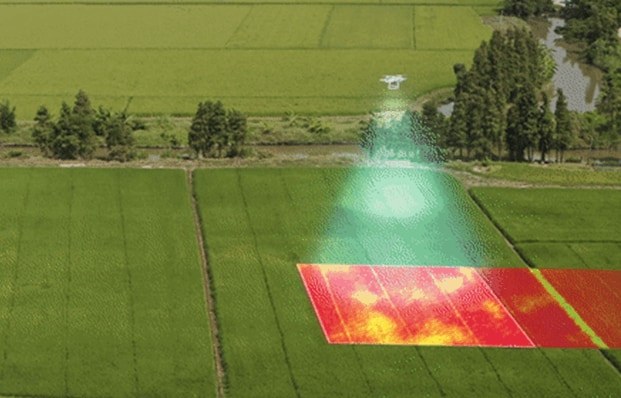
A plant short of water closes its stomata, transpires less and warms up. The temperature map reveals water stress before it is visible, along with waterlogging, irrigation that does not reach and leaks from channels and pipes.
Map in °C
A temperature for every pixel
Each thermal photo becomes a map in degrees Celsius calculated with the real distance of the shot, from the drone's laser rangefinder or the flight altitude. The photos are merged into the field map, with a cool-to-hot scale and statistics.
- Real distance of each shot
- Cool-to-hot scale
- Statistics for each field
Thermal archive
Every thermal survey in one list
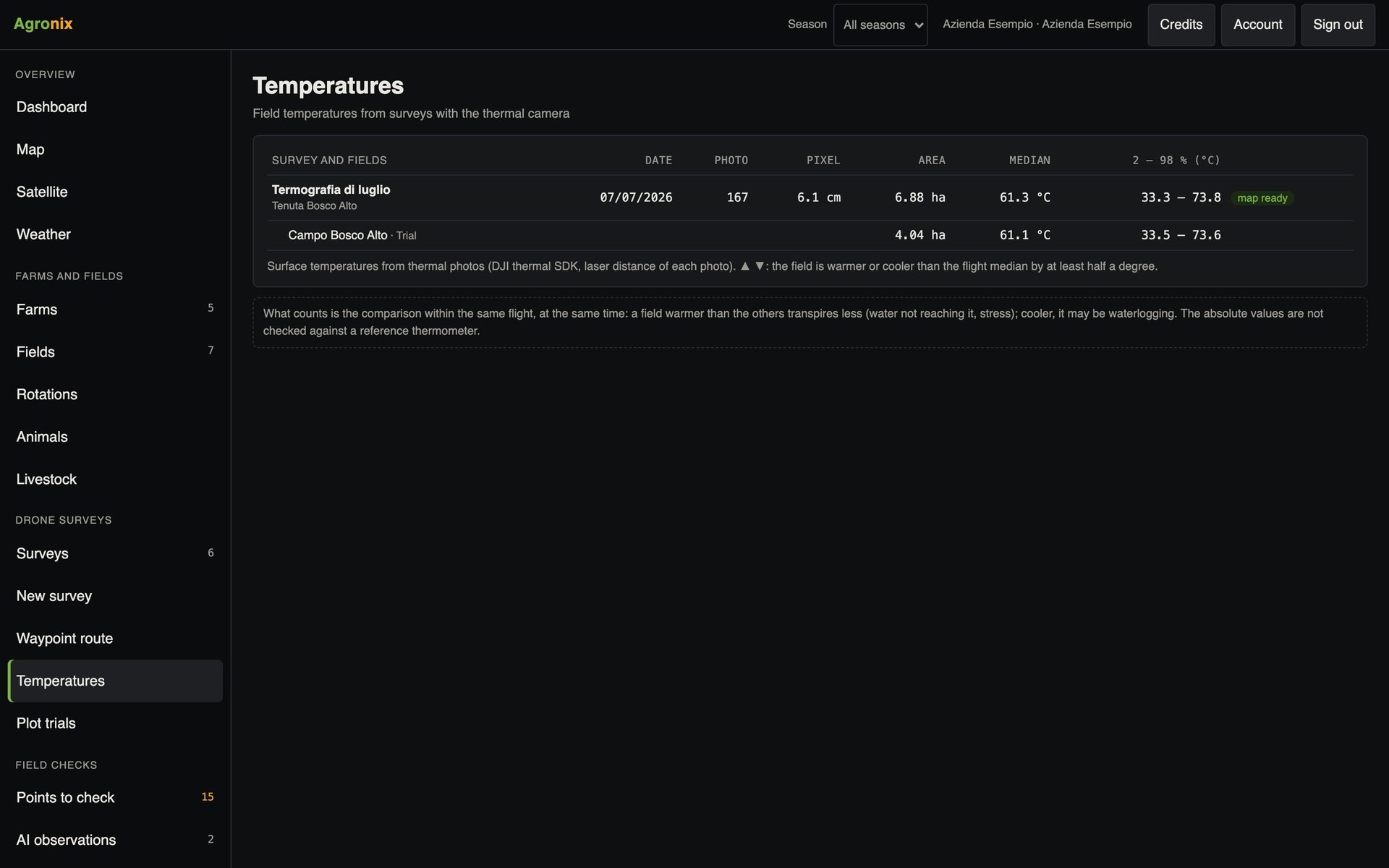
The Temperatures page lists the thermal surveys of every farm with date, fields and values. Each map opens on the field and downloads as GeoTIFF for GIS software.
- List by farm and field
- GeoTIFF in degrees Celsius
- Map also on the field page
How to use it
- 1
Fly with the thermal camera
Differences are sharper in the hottest hours.
- 2
Upload the photos
Agronix recognises radiometric photos.
- 3
Read the map
Hot areas: less transpiration; cool areas: possible waterlogging.
- 4
Check in the field
Starting from the hottest points.
Specifications
- Photos
- Radiometric thermal (R-JPEG) from drone thermal cameras.
- Check
- On 167 photos: mean difference of 0.03 °C from the original photo, 90 % within 0.17 °C.
- Uses
- Water stress, irrigation, waterlogging, leaks from channels and pipes.
- Format
- GeoTIFF in degrees Celsius.
Related features
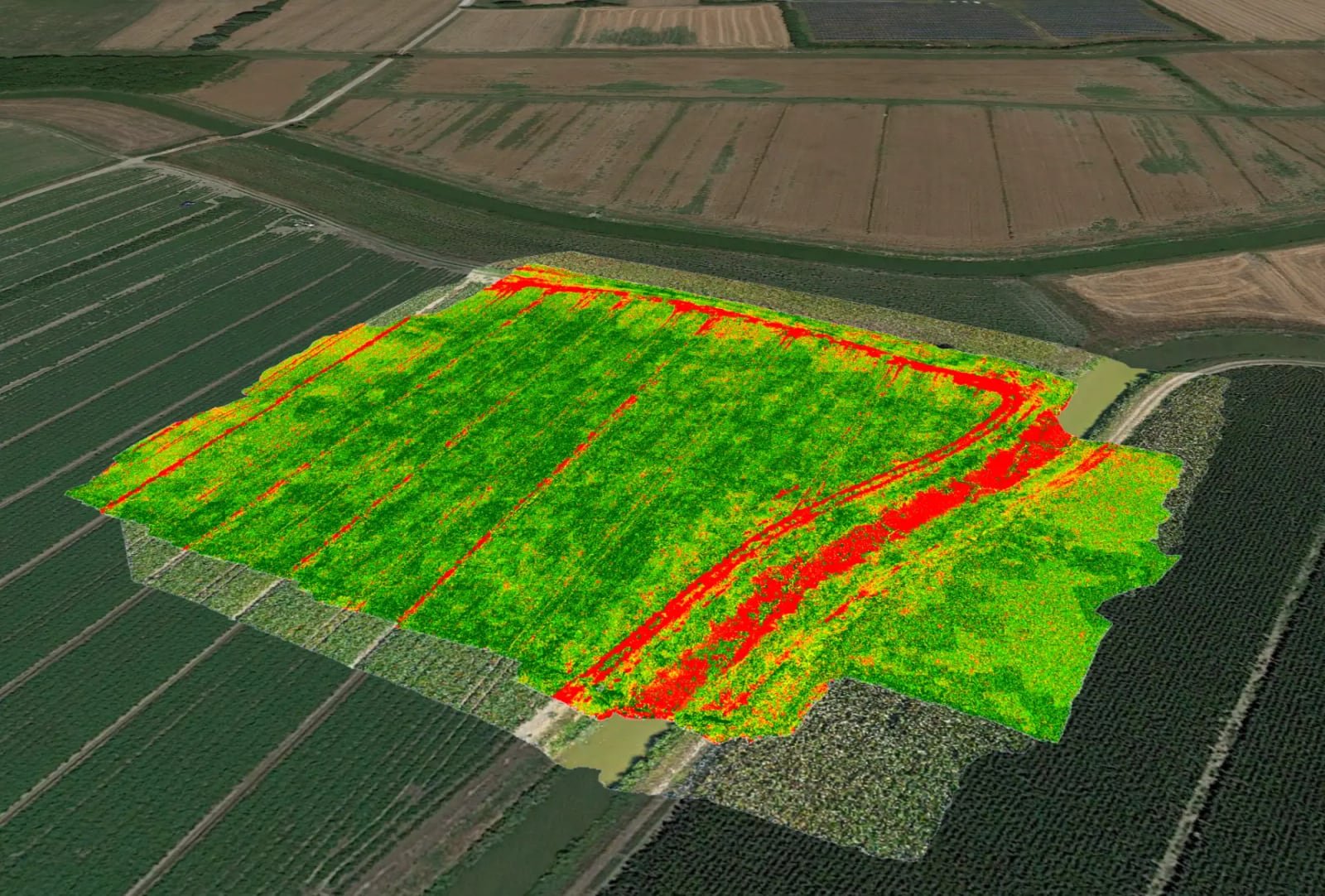
- Vegetation indicesOrthomosaic and nine vegetation indices, statistics by field, comparison between flights and PDF report.Learn more
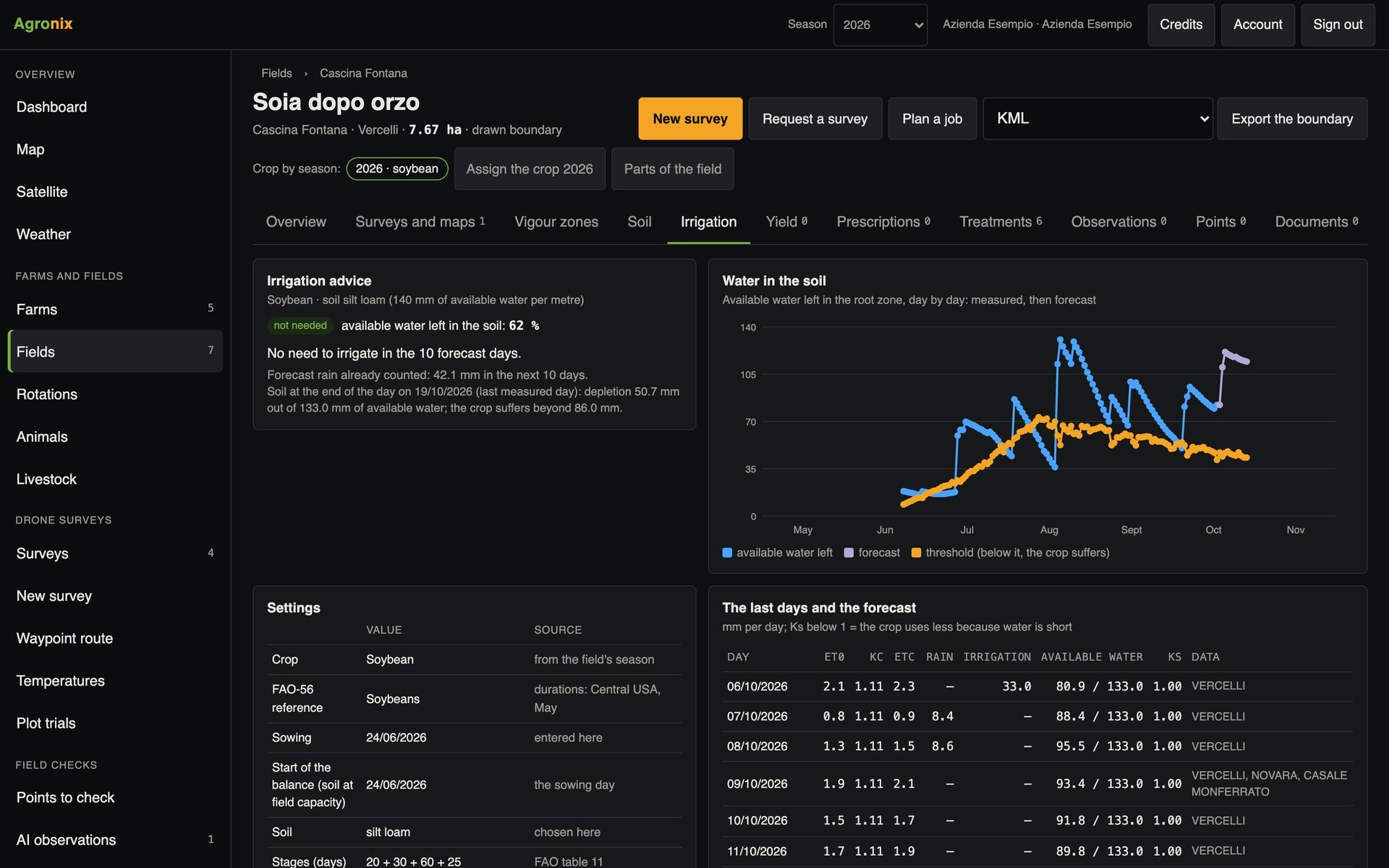
- Irrigation adviceWhen to irrigate and how many millimetres, from the soil water balance using the FAO-56 method.Learn more
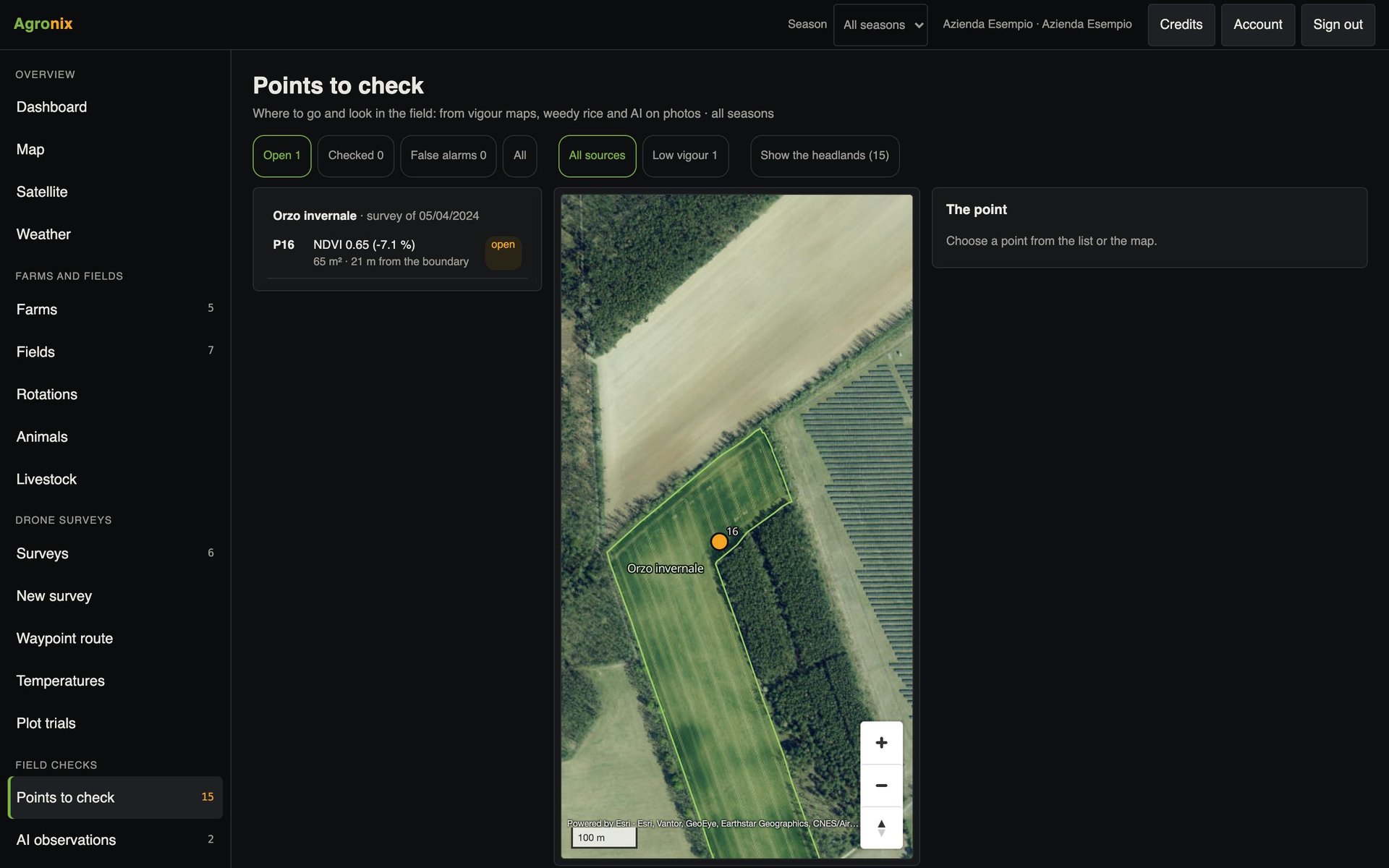
- Points to checkMaps find the critical areas; «Take me here» guides the operator to the spot.Learn more