Nine indices to read every field
From the same flight: NDVI for vigour, NDRE for chlorophyll and nitrogen, NDWI for water and six more indices, with statistics and comparison between surveys.
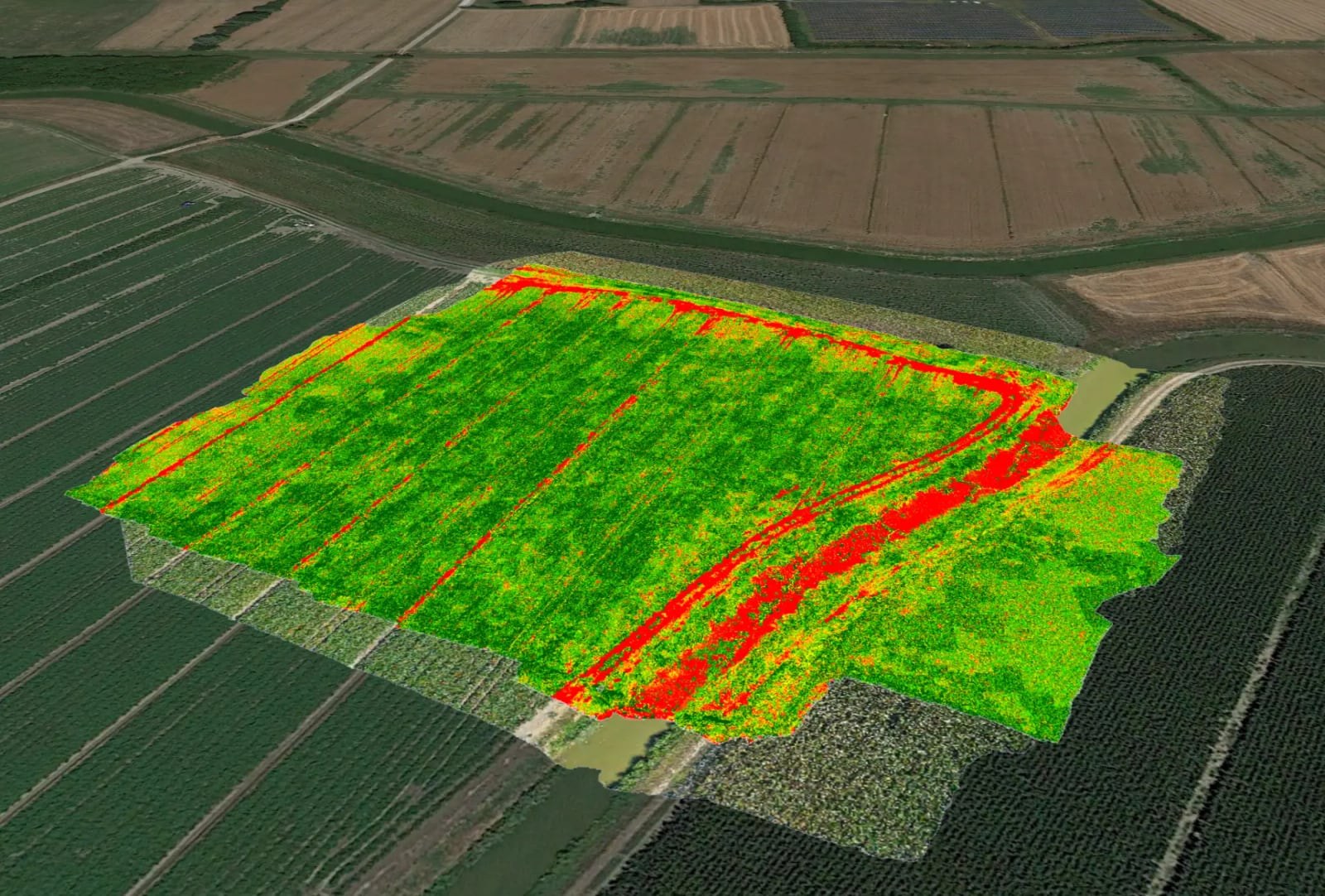
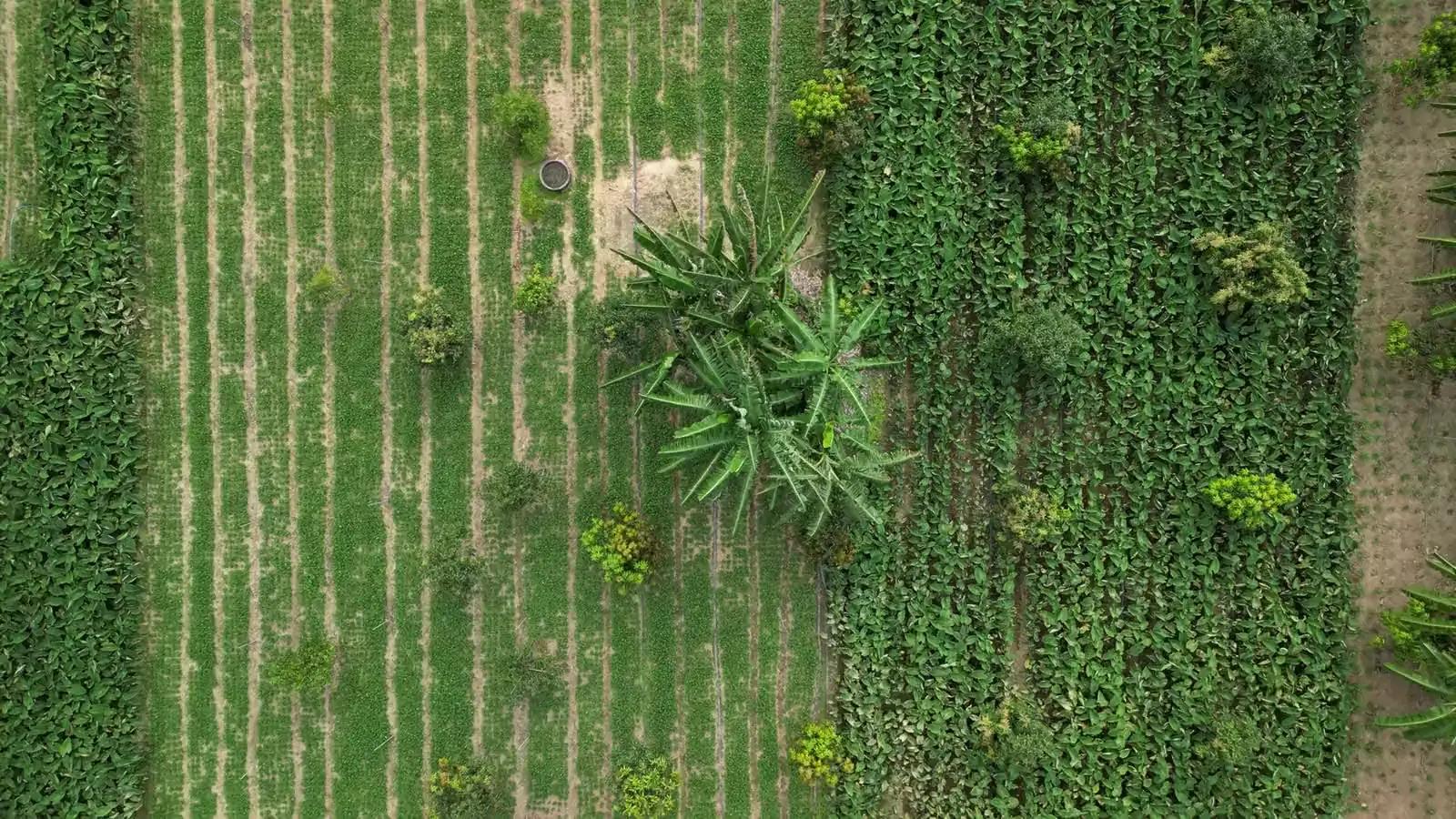
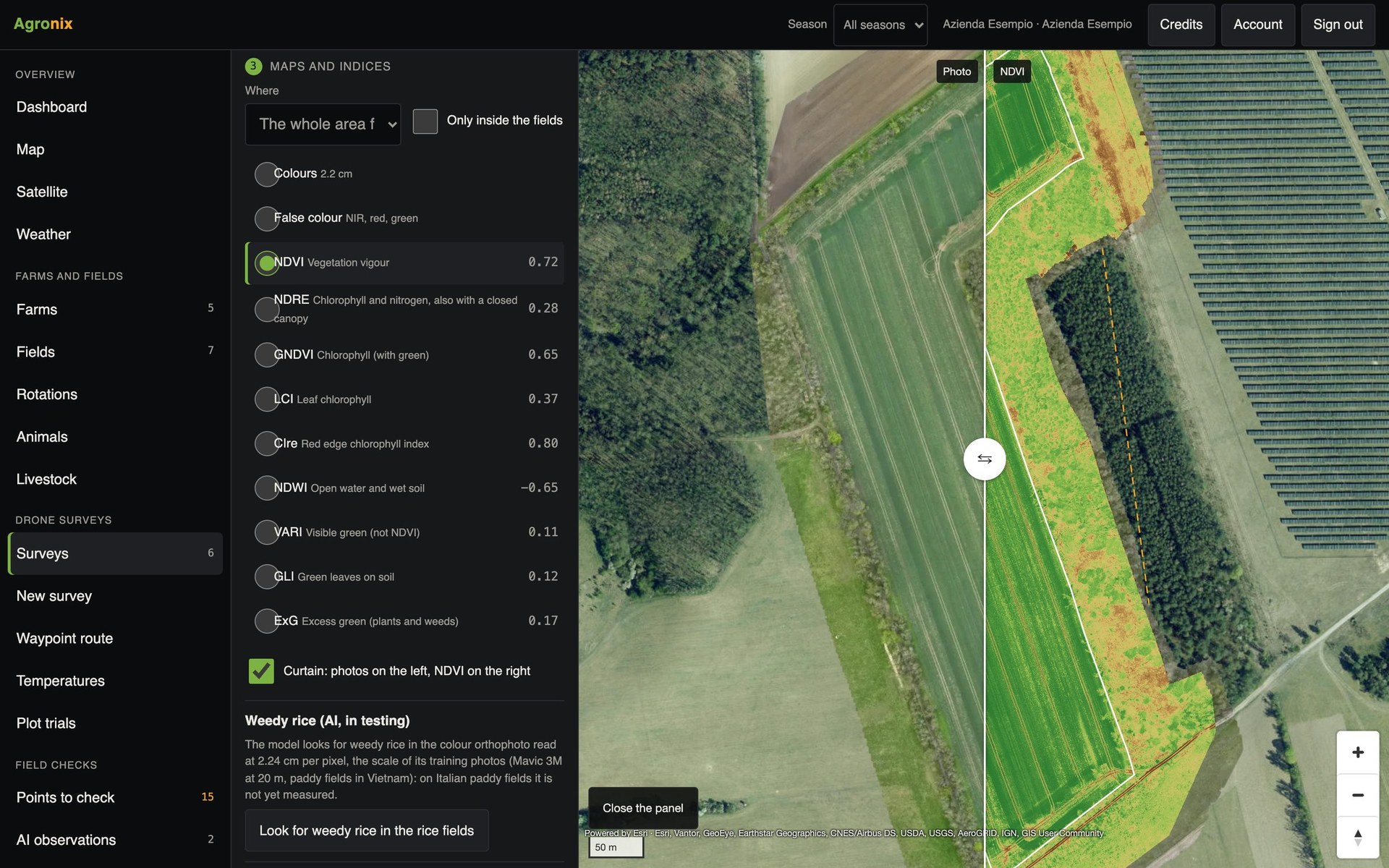
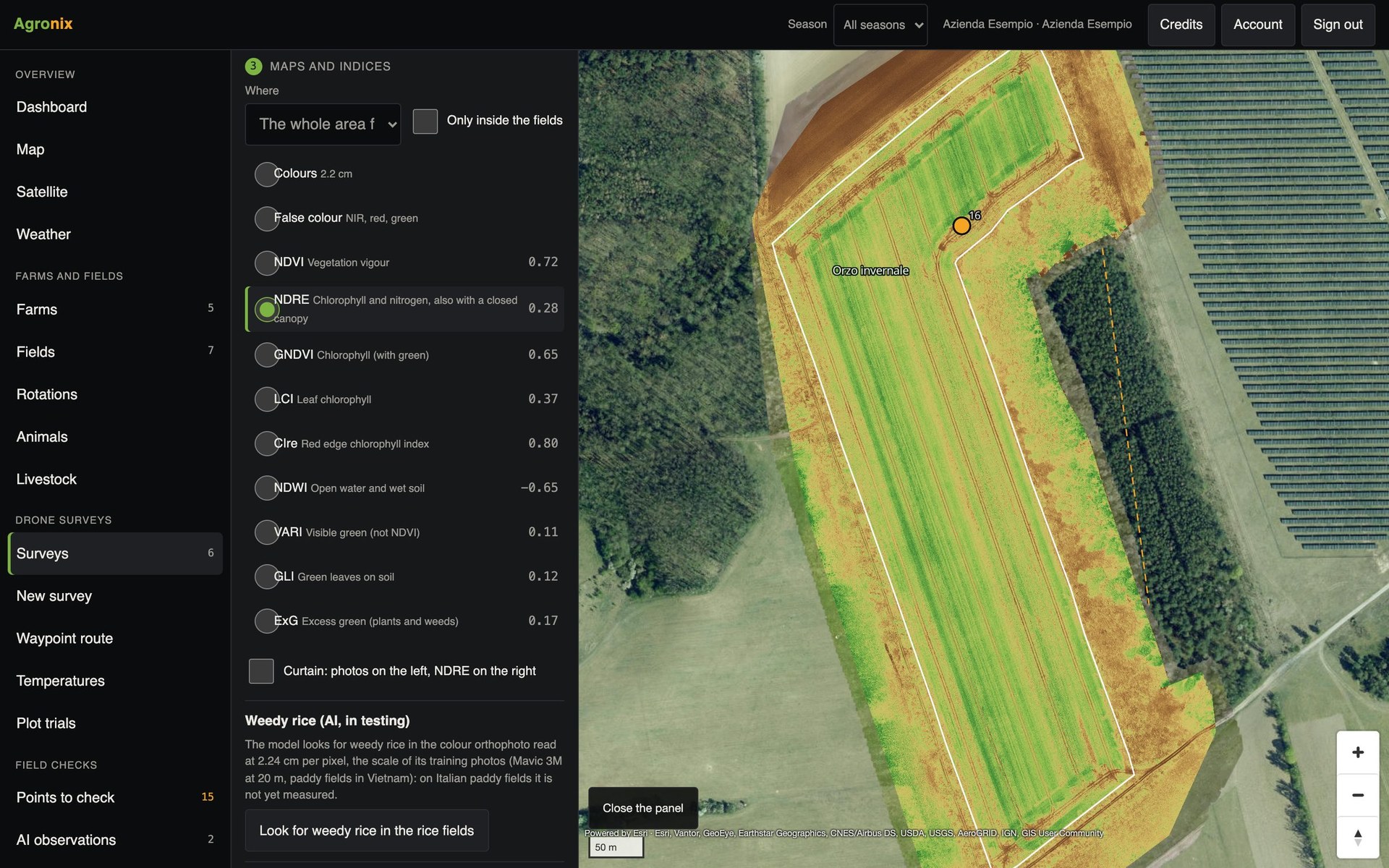
Each index answers a different question. NDVI measures vigour; NDRE picks up chlorophyll and nitrogen even with a closed canopy, when NDVI saturates; NDWI finds open water and wet soil. From colour photos, without a multispectral sensor, the visible-light indices are calculated. Agronix calculates them all from the same flight and clips them field by field.
Maps
Compare photo and index at the same spot
The slider puts photo and index side by side on the same pixel: you can tell a gap from a wheel track or waterlogging at once. The colour scale adapts to the selected field and the legend explains what the index means.
- Photo and index overlaid
- Colour scale fitted to the field
- Legend for each index
Statistics
True averages, without bare soil
For each field and index: mean, standard deviation and histogram at full resolution. Bare soil is excluded from the averages, so a vineyard or young maize does not look weaker than it is. Statistics update by themselves when the boundary changes or a new map arrives.
- Share of bare soil for each field
- Histogram, mean and deviation
- Trend survey after survey
Comparison and report
Measure what changed between two flights
Two surveys of the same field are aligned on the same grid: the map shows where the index rose, fell or stayed stable. The PDF report gathers orthomosaic, indices, statistics, zones and trend, with north arrow, scale and boundary.
- Difference map as GeoTIFF
- PDF report for the field
- GeoTIFF of each index clipped to the boundary
PPK positions
Photos repositioned with the reference station
With the drone's position files (.MRK, .OBS, .NAV) and the RINEX data of the nearest station of the SPIN3 network, Agronix recalculates on the server the position of each photo and compares it with the RTK position recorded in flight. The corrected positions go into the map processing. The network covers Piedmont, Lombardy and the Aosta Valley.
- Drone files and base RINEX
- Comparison with the RTK recorded in flight
- Piedmont, Lombardy and the Aosta Valley
How to use it
- 1
Open the survey
The map is already centred on the field.
- 2
Choose the index
Each with its one-line explanation.
- 3
Use the slider
Photo and index at the same spot.
- 4
Export or compare
GeoTIFF, PDF report or comparison with another flight.
Specifications
- From multispectral
- NDVI, NDRE, GNDVI, LCI, CIre, NDWI.
- From the RGB camera
- VARI, GLI, ExG: visible-light indices, not a substitute for NDVI.
- Processing
- On computing machines in Europe, one per survey.
- Check
- On a 10.8 ha barley survey: mean NDVI 0.801 against 0.800 from the reference software.
Related features
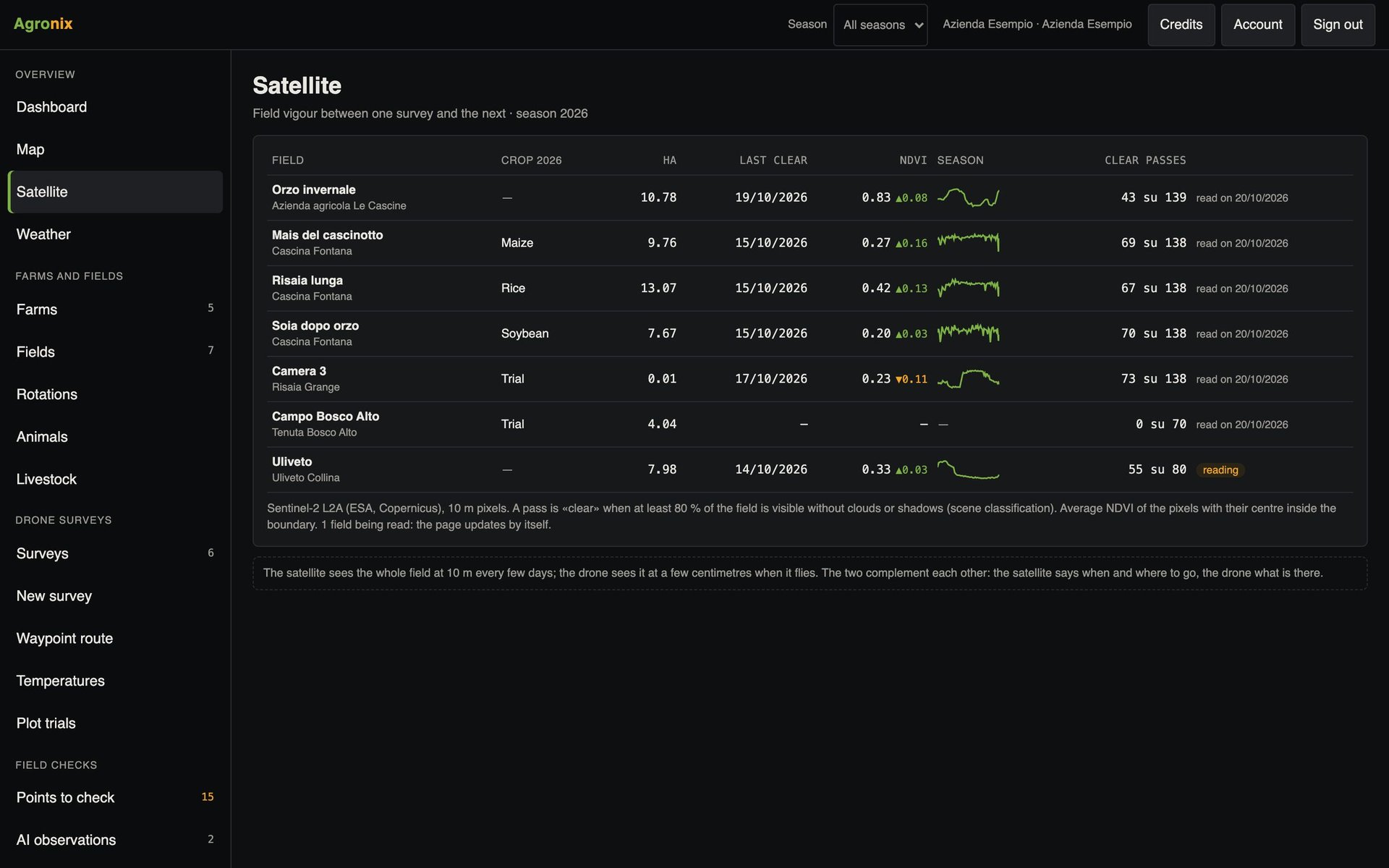
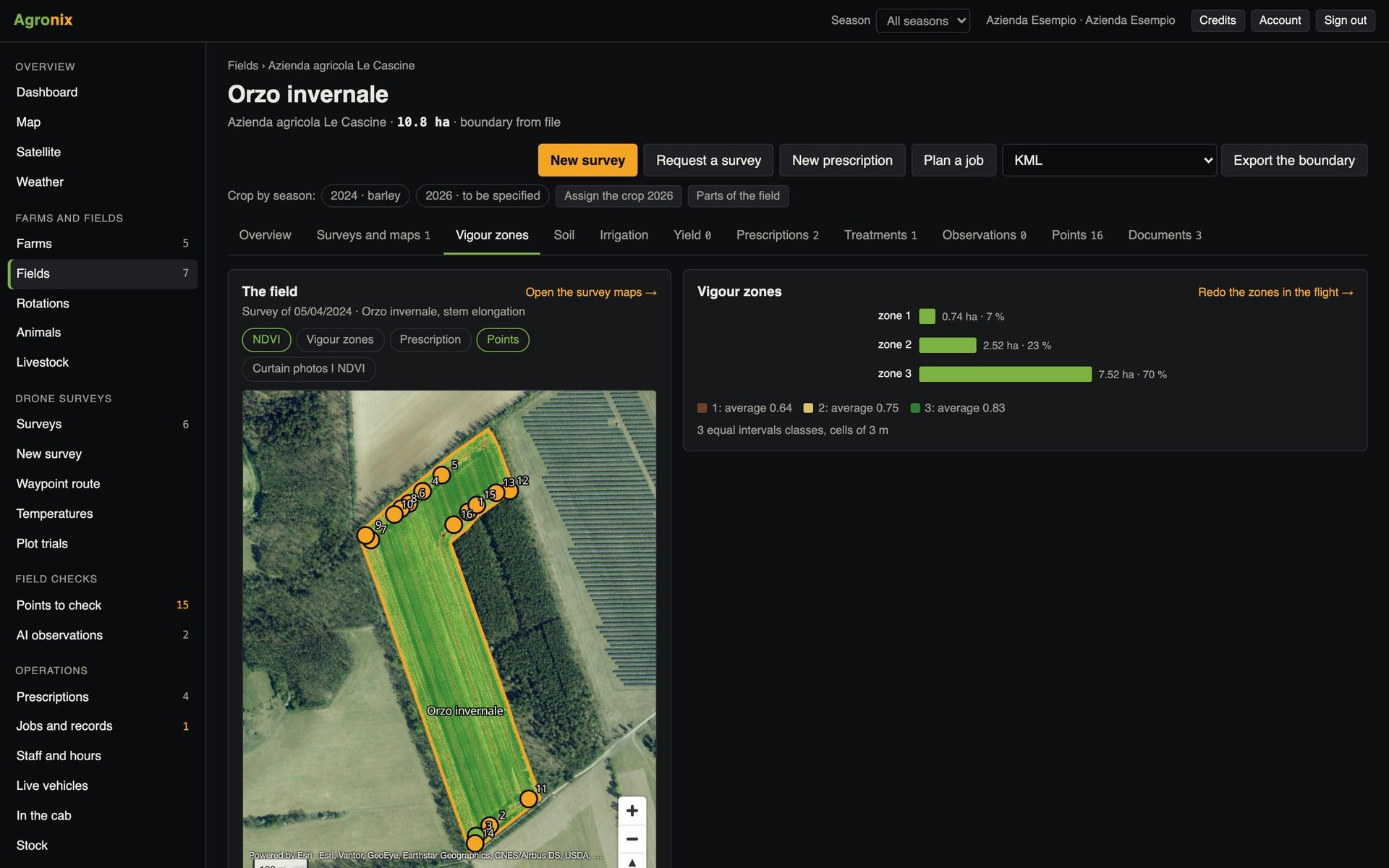
- Management zonesZones from a survey, stable zones from several satellite seasons and combine yield maps.Learn more
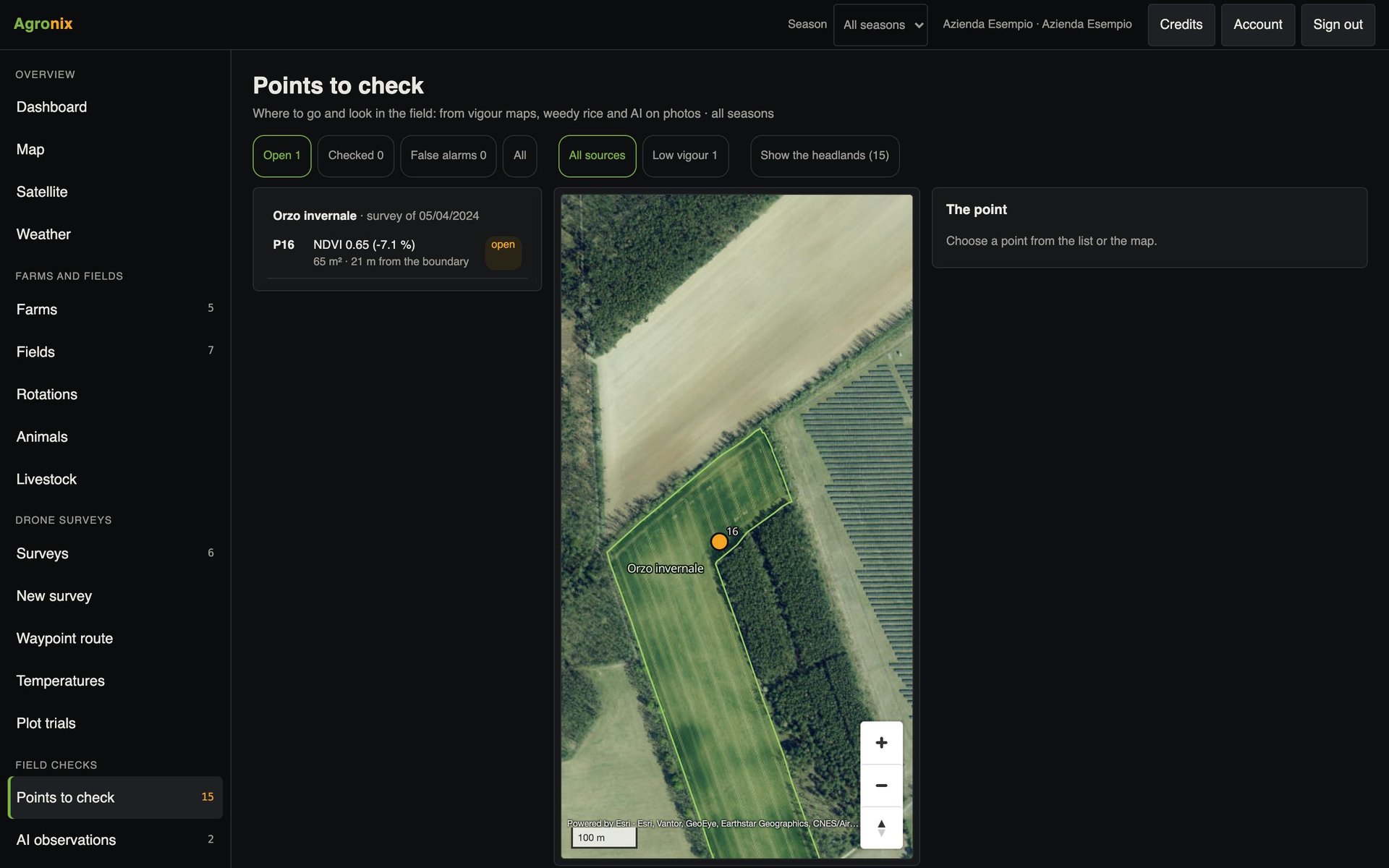
- Points to checkMaps find the critical areas; «Take me here» guides the operator to the spot.Learn more
- Satellite monitoringThe vigour of every field every few days, only from cloud-free passes.Learn more