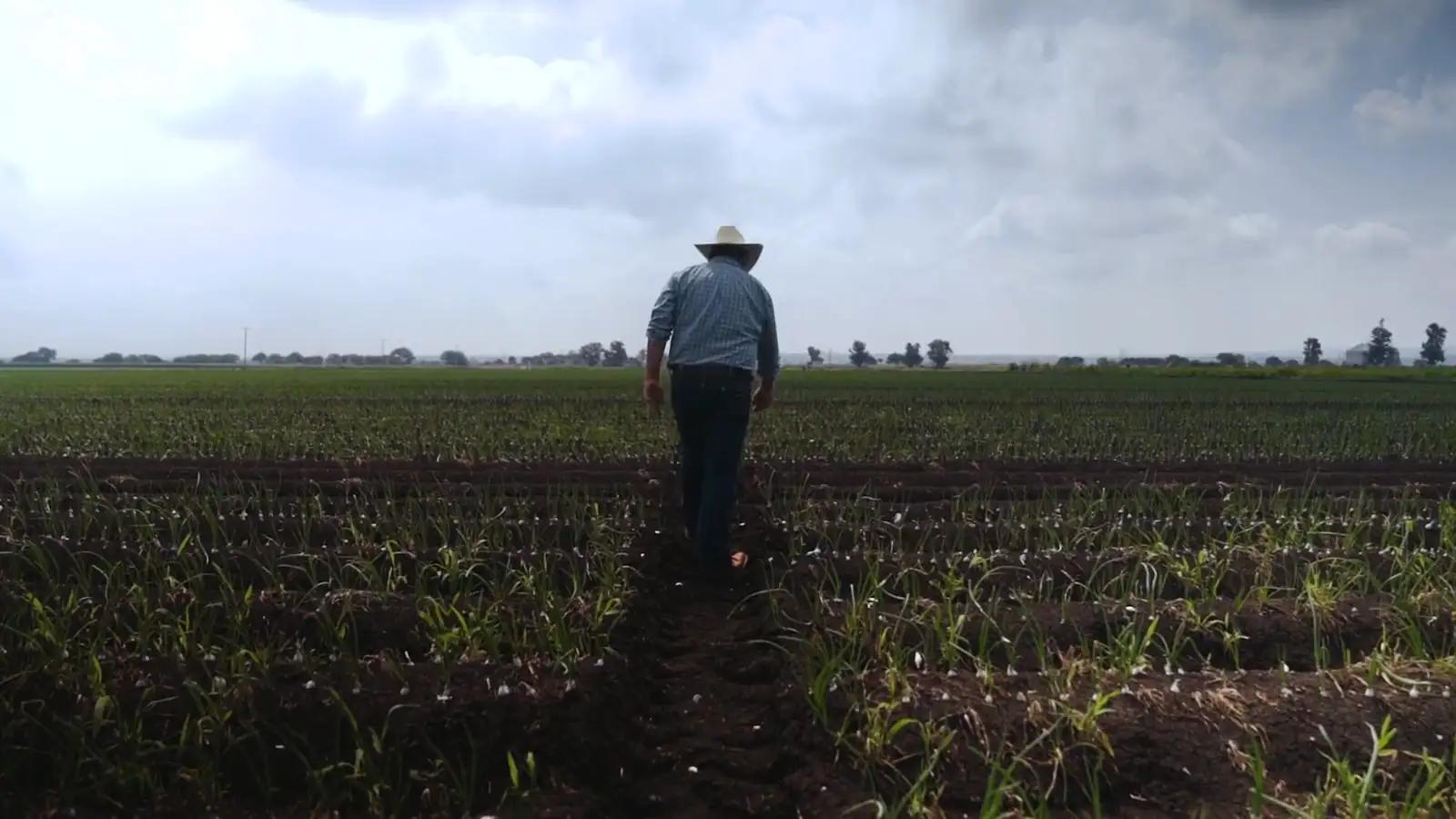
Go where the crop is growing least
Agronix finds in the maps the areas with much lower vigour than the rest of the same field and lists them; on the phone, «Take me here» guides you to the point.
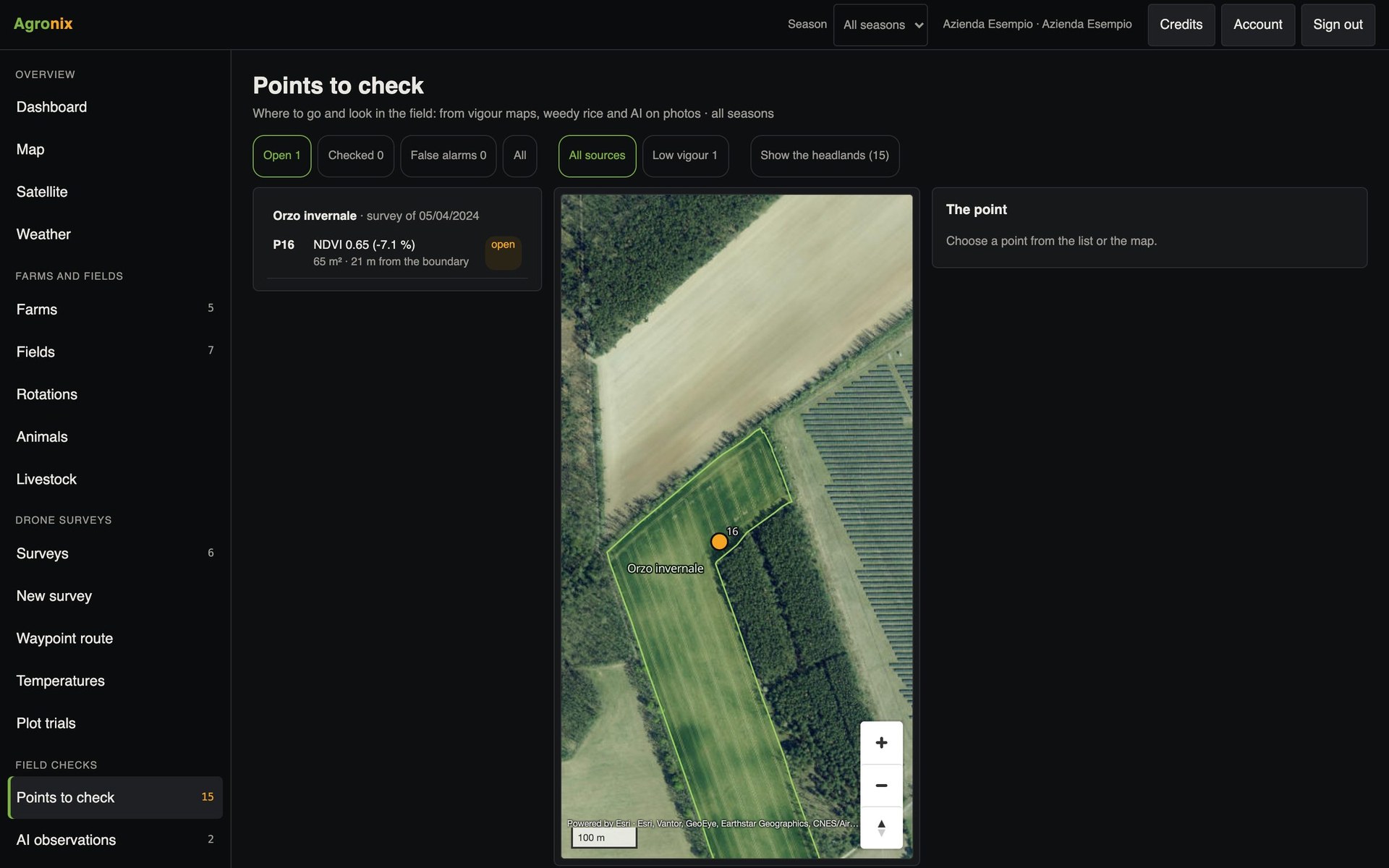
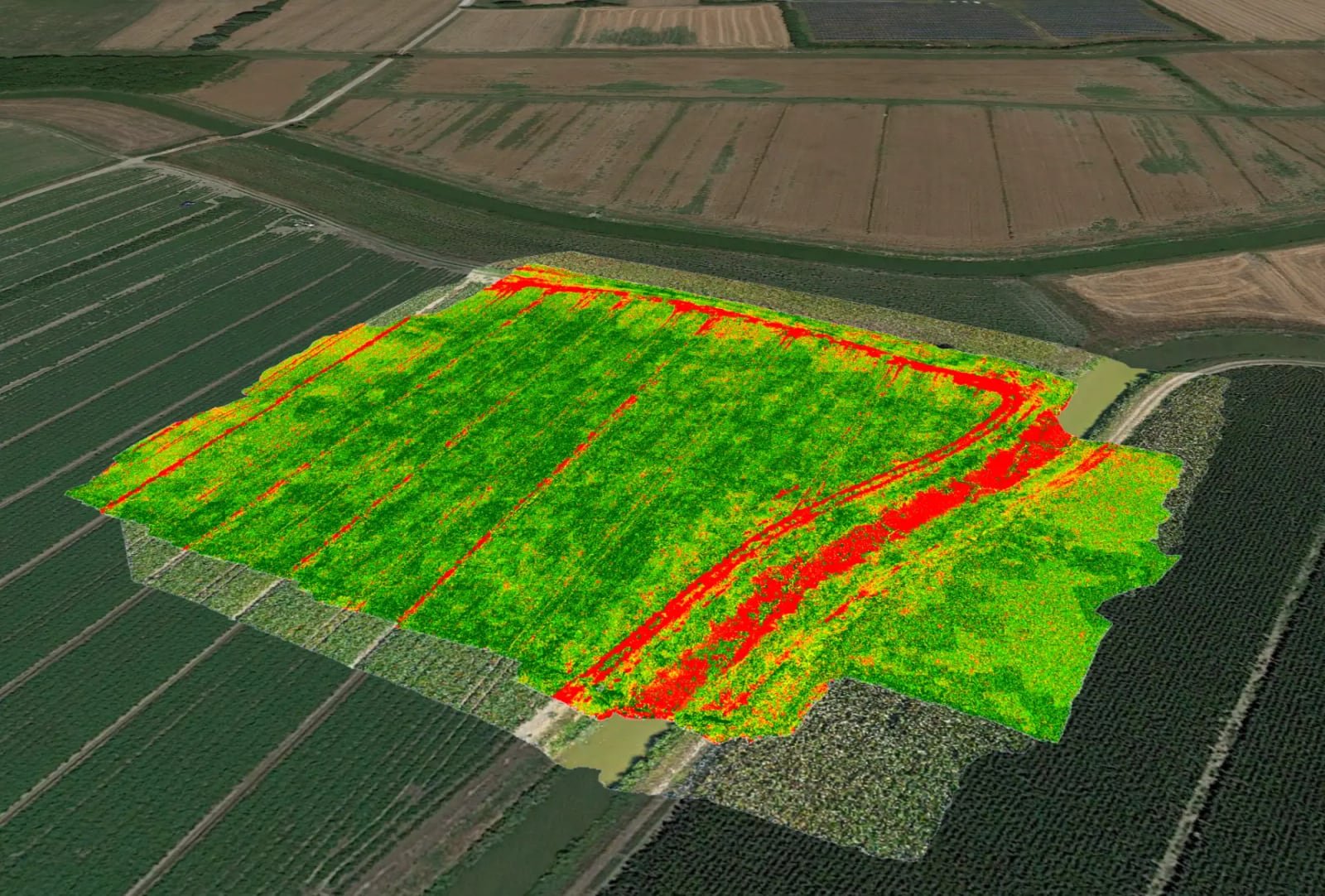
A vigour map says something is wrong, but not what. Points to check avoid a wasted walk: after every survey Agronix compares each area with the rest of the same field, excludes wheel tracks and headlands and flags real drops. In rice paddies it also finds patches of weedy rice.
Points
A list of areas to check
Points are listed by field and numbered on the map; those near the headland can be hidden. Each point has its own map clip and a status: to check, checked or false alarm, with the date.
- Wheel tracks and headlands excluded
- Strongest drops first
- Status and date for each point
In the field
«Take me here» and «Photograph here»
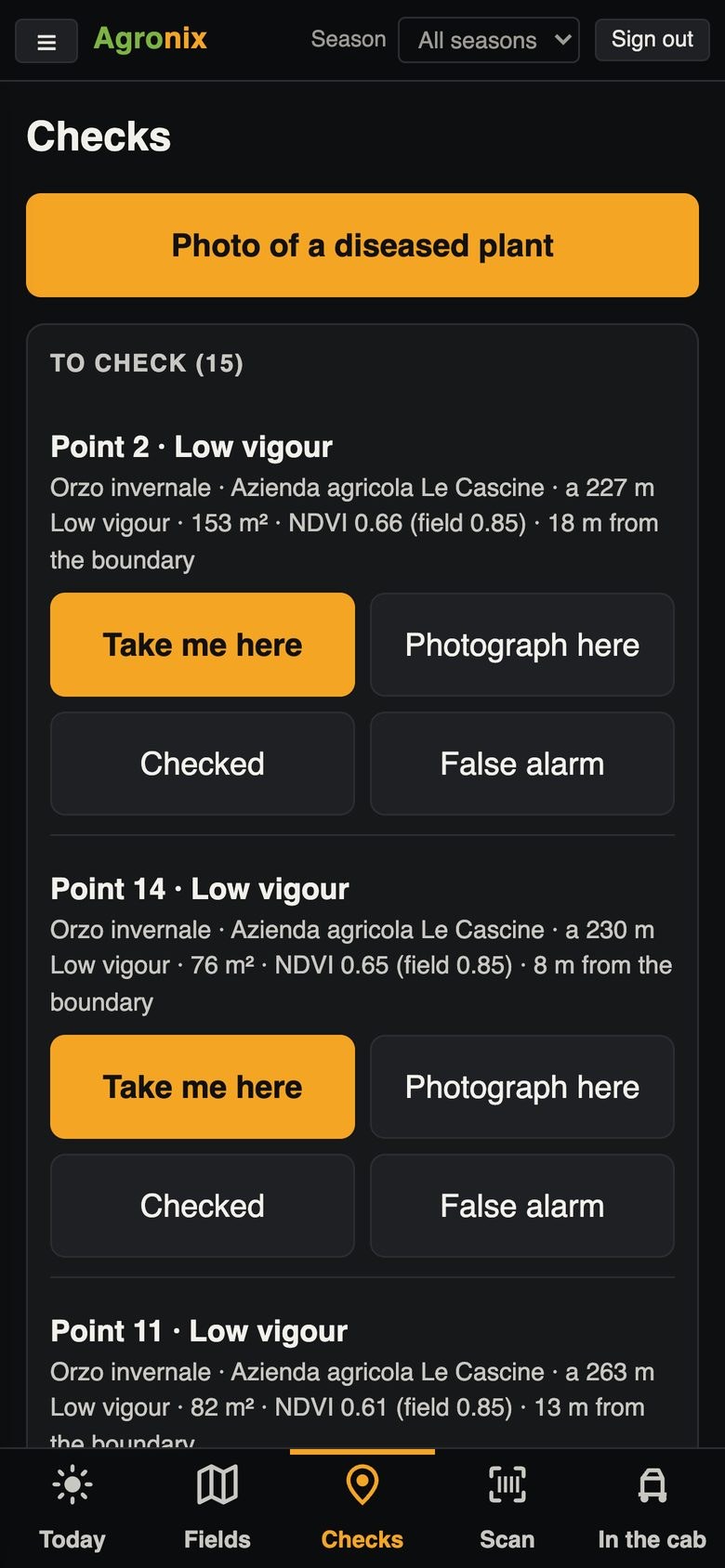
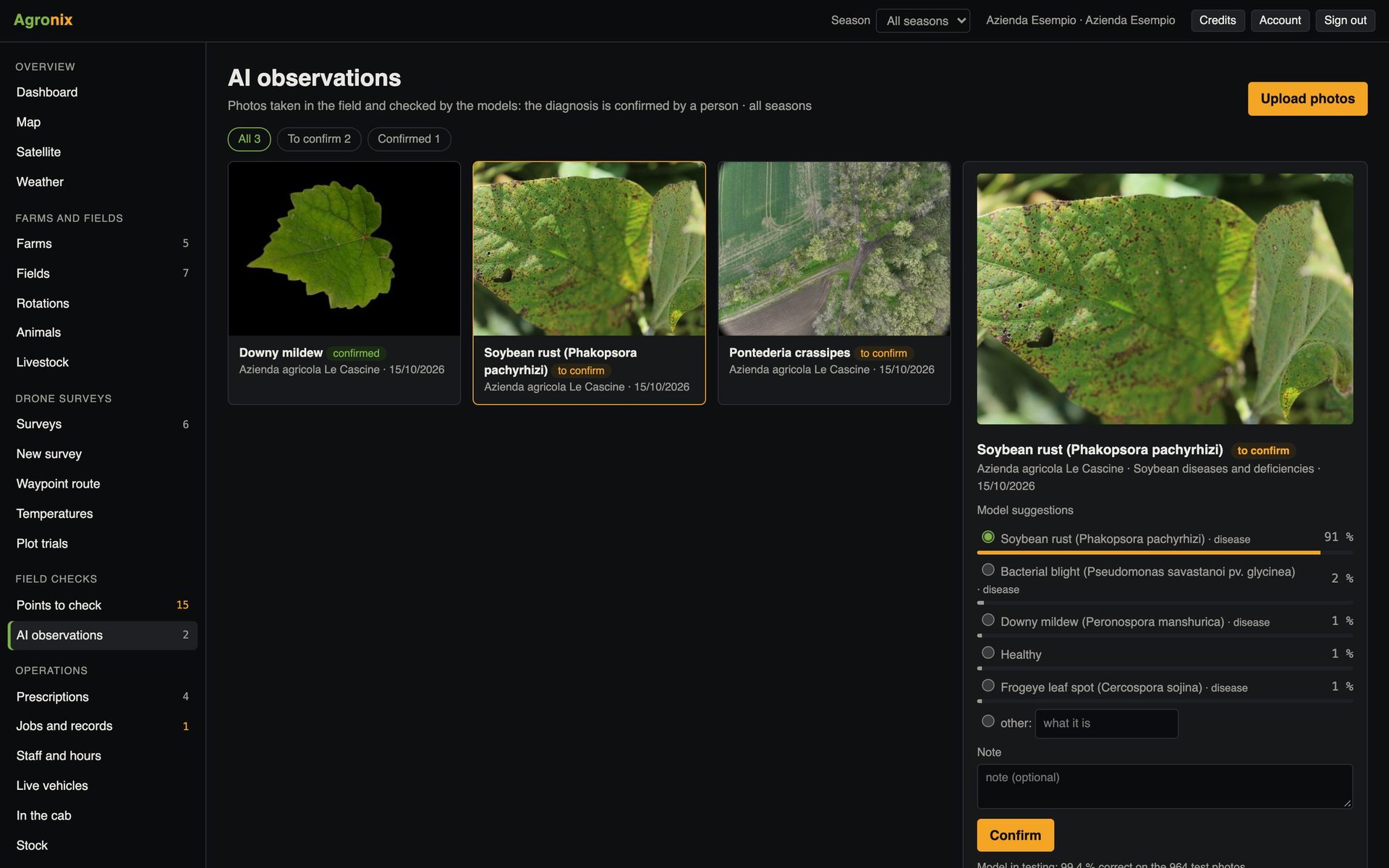
In the field app, points are listed from the nearest. «Take me here» shows distance and direction with GPS and compass, or opens the route in the navigation app; on the spot, «Photograph here» takes a photo linked to the point, which becomes an observation and can be analysed by the AI.
- Distance and arrow towards the point
- Photo linked to the point
- AI analysis of the photo
How to use it
- 1
Run the survey
Multispectral or colour.
- 2
Open the points
Agronix calculates them after every survey.
- 3
Reach the point
With the phone and «Take me here».
- 4
Record the outcome
Photo, observation, checked or false alarm.
Specifications
- Method
- 1 m cells compared with the rest of the field, 3 m headlands excluded.
- Check
- 10 drops of 15 % placed at random in a real field: 10 out of 10 found, at a median of 0.4 m.
- Weedy rice
- Patches found from the colour orthomosaic, towards spot weeding.
- Devices
- List and map everywhere, «Take me here» on the phone.
Related features
- Diseases and pestsDiagnosis from photos with models trained crop by crop, always confirmed by the agronomist.Learn more
- Vegetation indicesOrthomosaic and nine vegetation indices, statistics by field, comparison between flights and PDF report.Learn more
- Prescription mapsVariable-rate fertiliser, seeding, plant protection and spot weeding, in six guided steps.Learn more