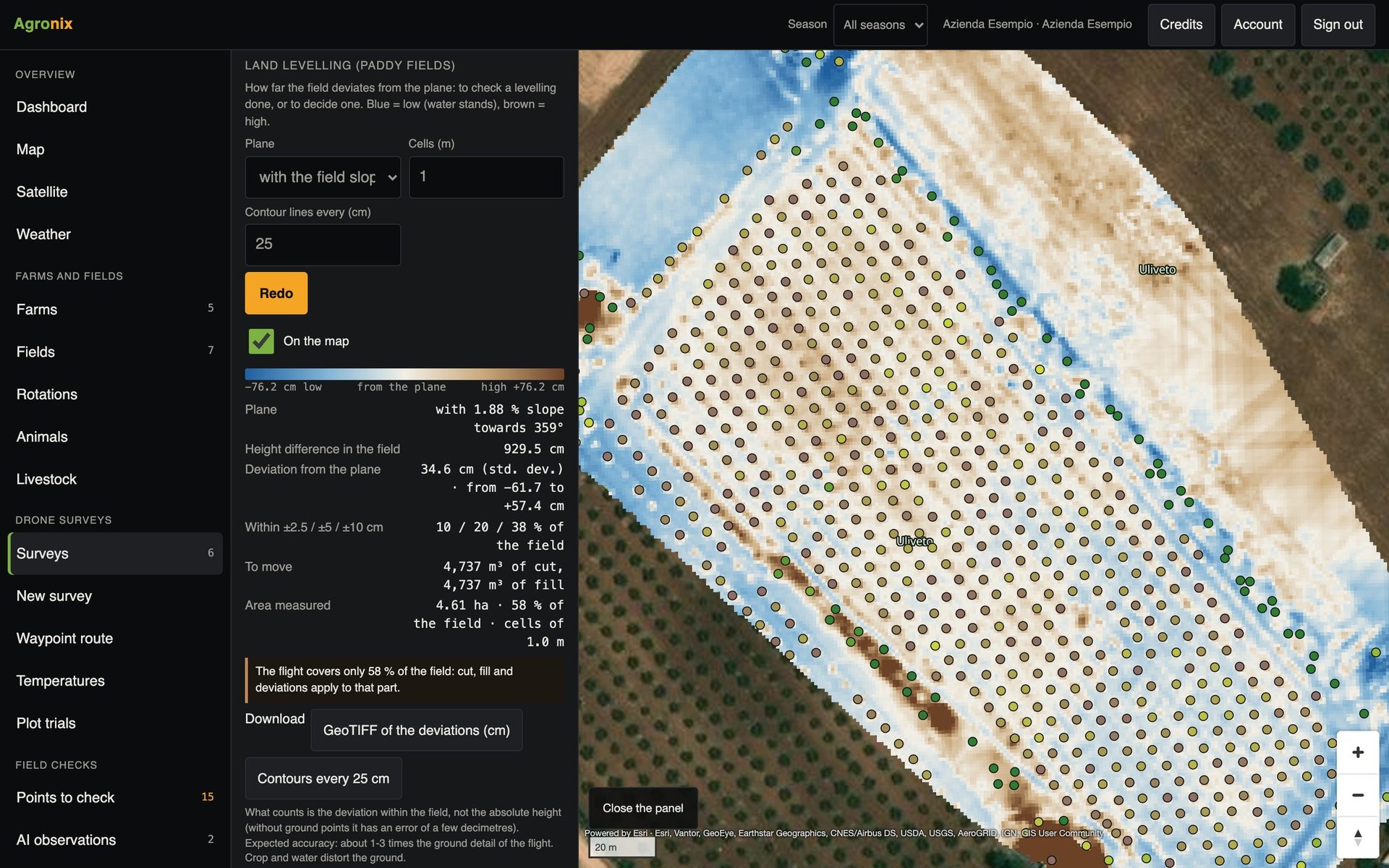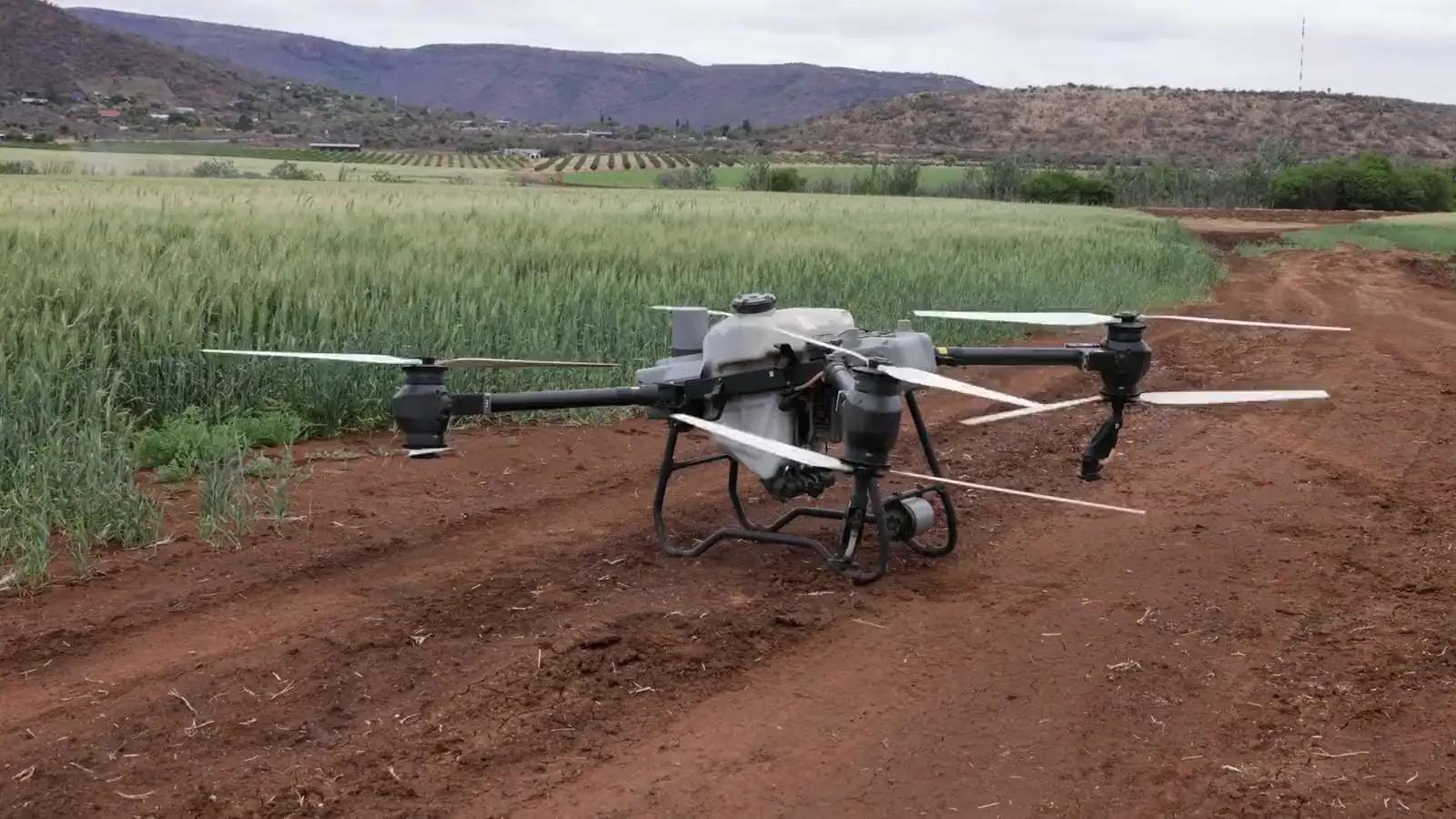
Plan the flight on the field boundary
Agronix calculates altitude, overlaps and flight lines, writes the mission for the remote controller and checks the photos before processing.
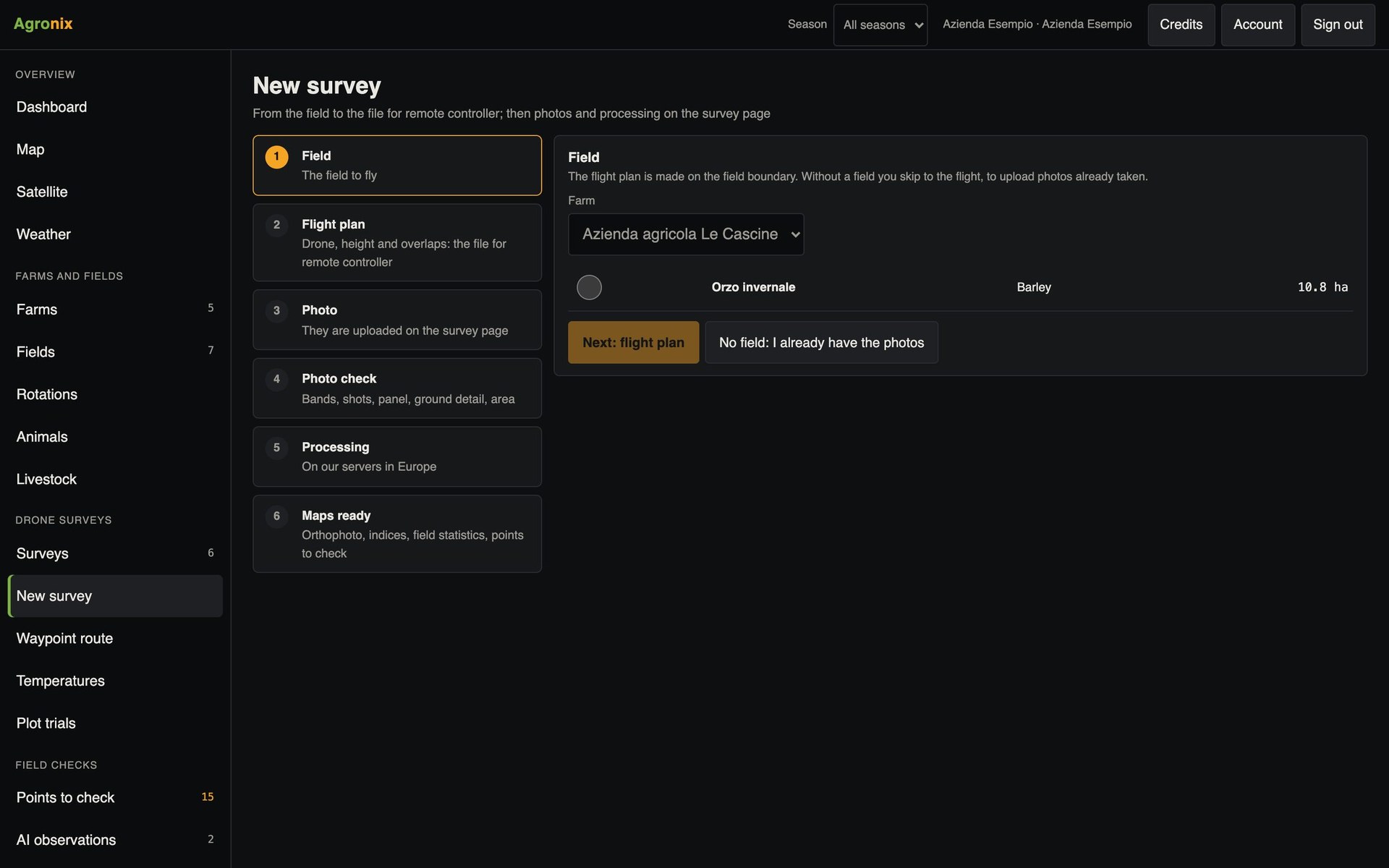
A good survey is decided before take-off. Agronix guides the operator from the field to the map: it calculates the flight plan, prepares the file for the remote controller, checks the uploaded photos and starts processing on a dedicated computing machine.
Mapping
From the boundary to the mission
You choose the field and the type of survey: multispectral, colour or with heights. Agronix calculates altitude, overlaps and flight lines and shows how much of the battery the route uses. For the 3D model it adds oblique shots: one nadir pass and four tilted grids.
- Flight lines calculated on the boundary
- 5-pass oblique shots for 3D
- Estimate of battery use
Inspection
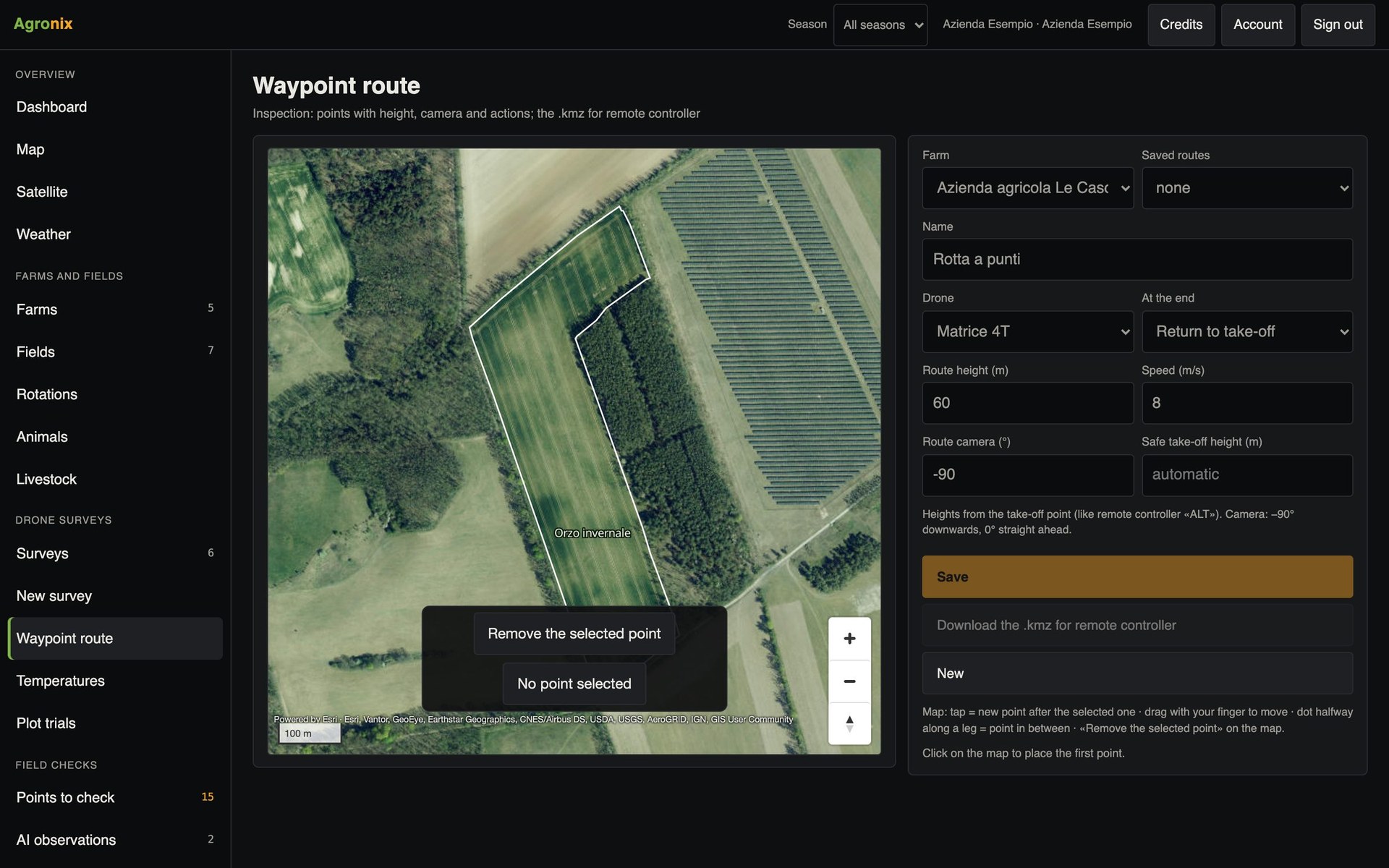
Waypoint routes for targeted checks
To inspect precise points you draw a waypoint route: altitude, camera orientation and actions for each point, return at the end. The file is loaded onto the remote controller.
- Altitude and camera for each point
- Shooting actions
- Automatic return at the end
Checks and processing
Upload the photos, Agronix checks them
Before processing Agronix checks multispectral bands, number of shots, calibration panel, RTK positions and thermal photos, and corrects the effect of motion on cameras with an electronic shutter. Each survey is processed on a computing machine in Europe, switched off when done.
- Automatic photo checks
- One computing machine per survey
- Maps in every field covered
How to use it
- 1
Choose field and survey
Multispectral, colour, with heights.
- 2
Download the mission
And load it onto the remote controller.
- 3
Fly and upload the photos
Agronix flags anything missing.
- 4
Open the maps
In the survey and on the field page.
Specifications
- Exportable missions
- DJI Mavic 3E, Matrice 4E, Matrice 4T.
- Mavic 3M
- Flight parameters and area boundary to import on the remote controller.
- Photos accepted
- Multispectral with calibration panel, RGB, radiometric thermal.
- Outputs
- Orthomosaic, indices, GeoTIFFs clipped to the boundary, PDF report.
Related features
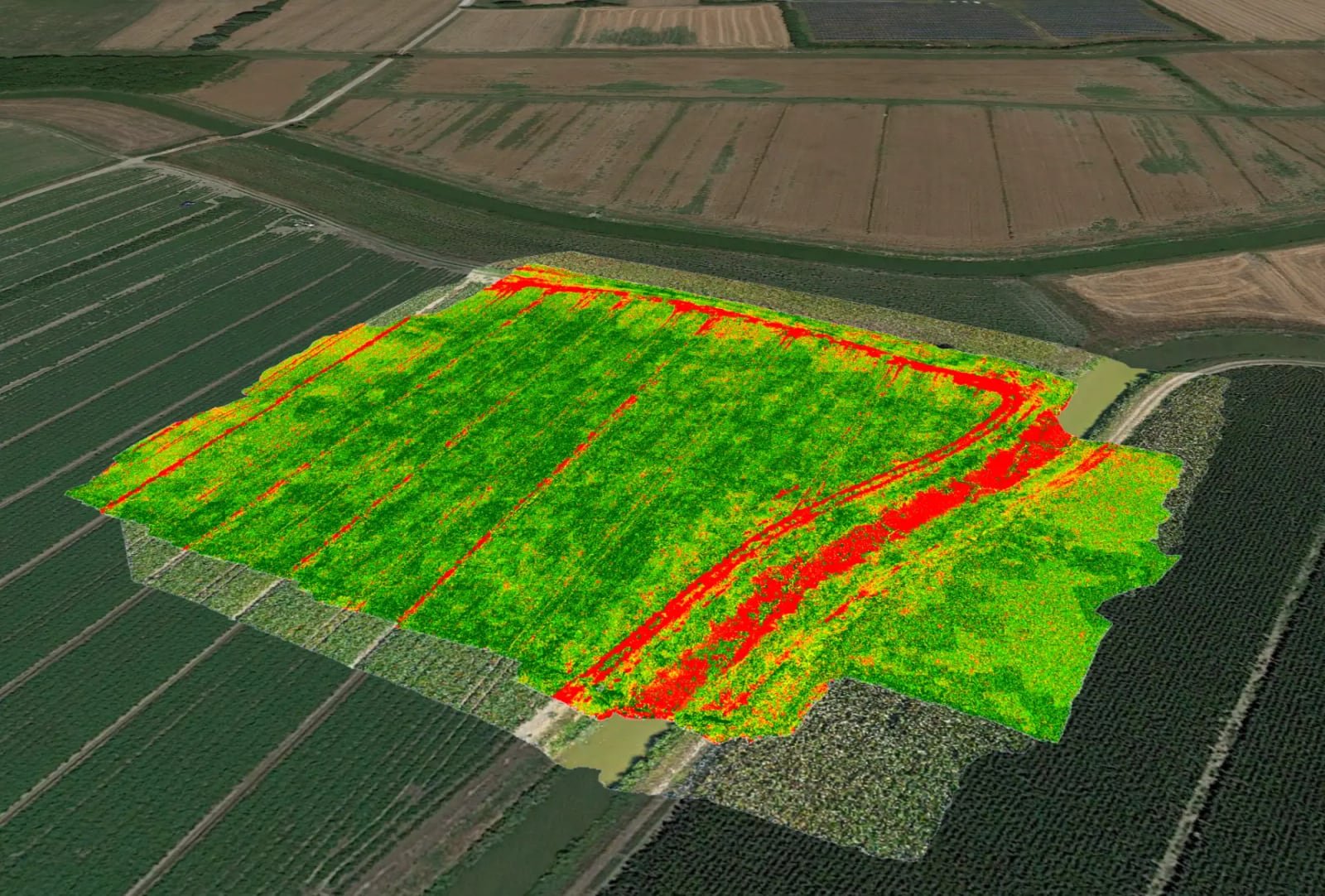
- Vegetation indicesOrthomosaic and nine vegetation indices, statistics by field, comparison between flights and PDF report.Learn more
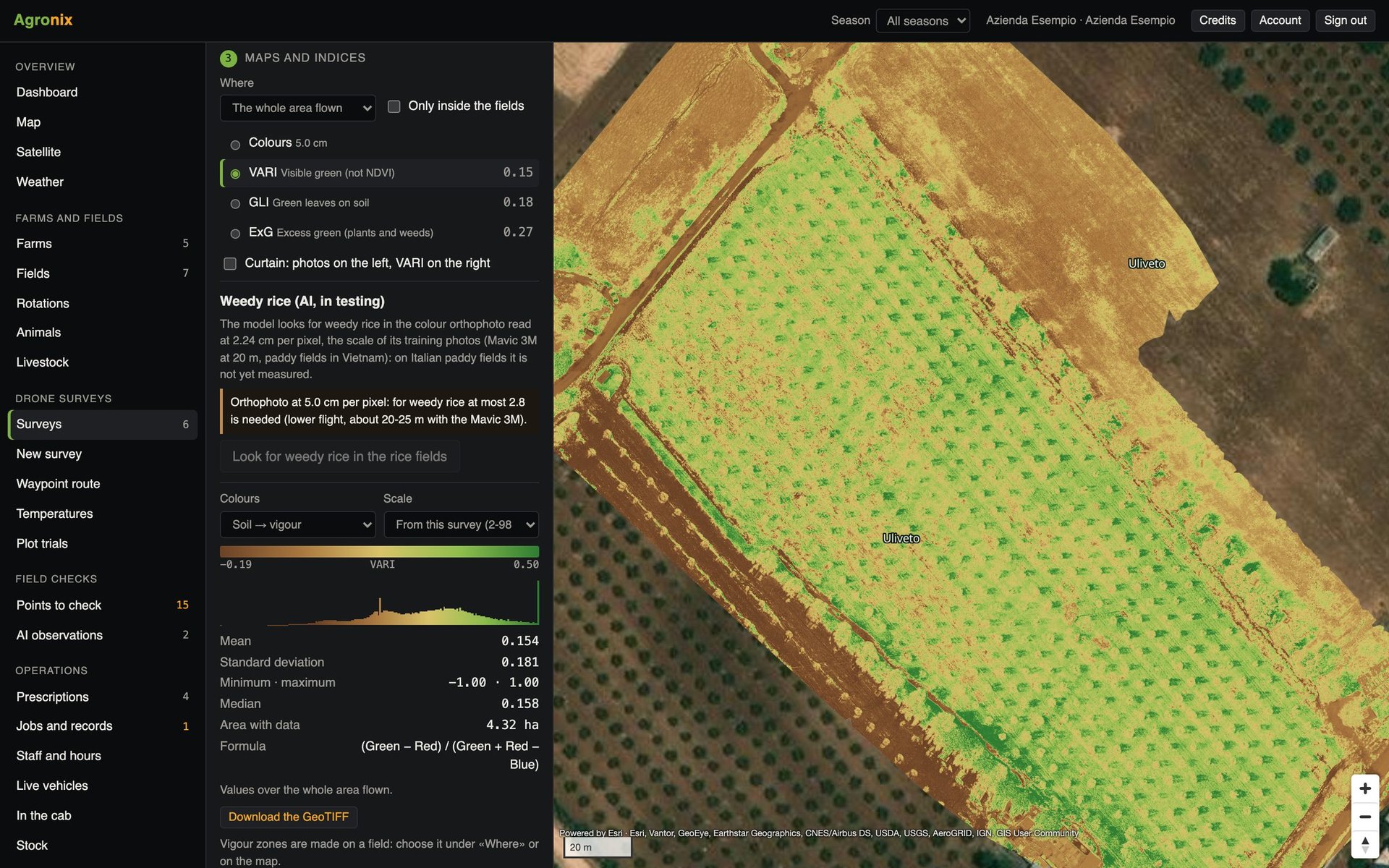
- Trees and canopiesTree counting with height, diameter and canopy volume, for orchards, olive groves and hazelnut groves.Learn more
- Volumes and levellingVolumes of stockpiles, silage clamps and manure heaps; levelling of rice paddies with cut and fill.Learn more