Follow vigour between surveys
Sentinel-2 images from the European Copernicus programme follow every field all season, discarding clouds and shadows.
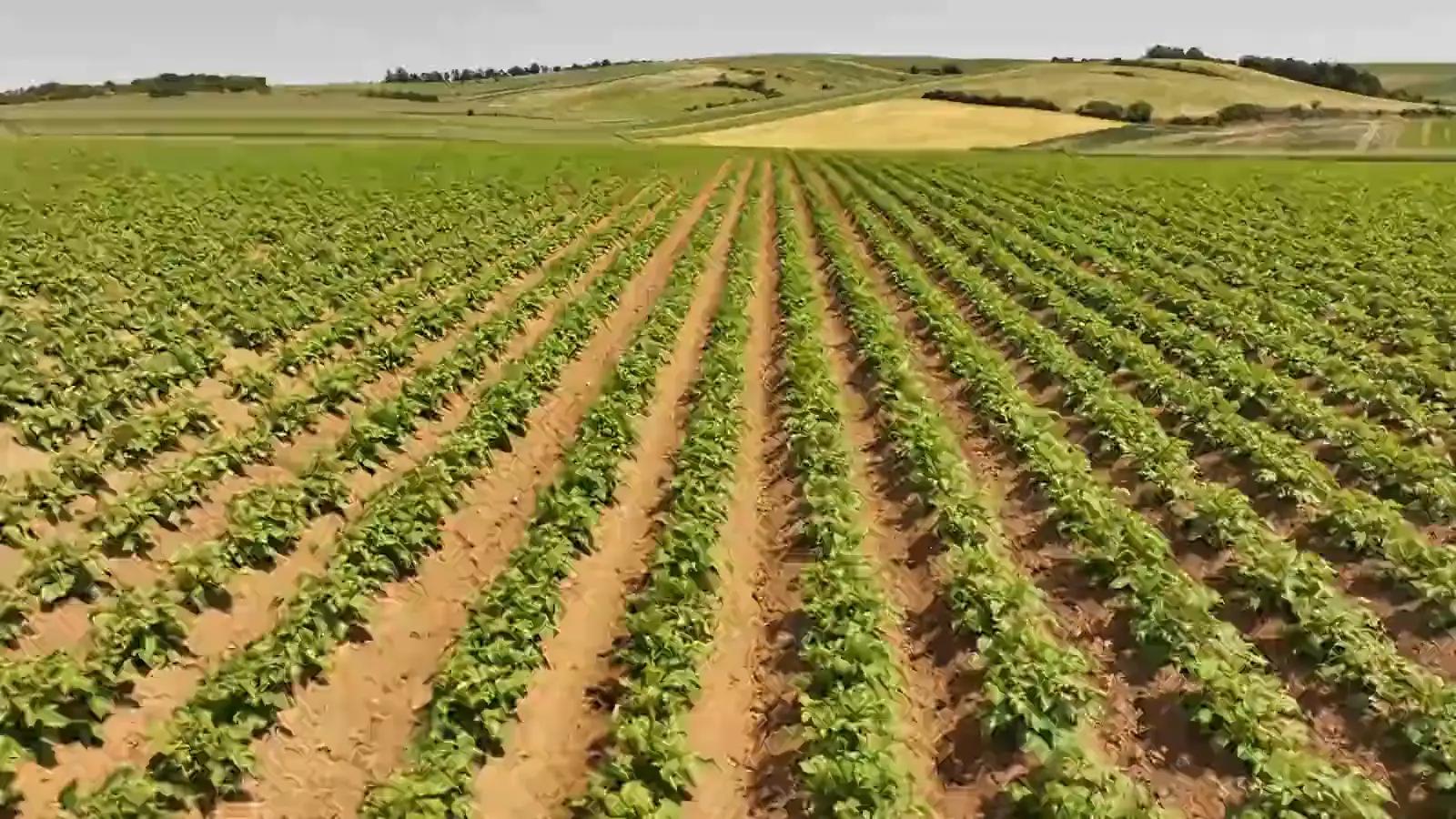
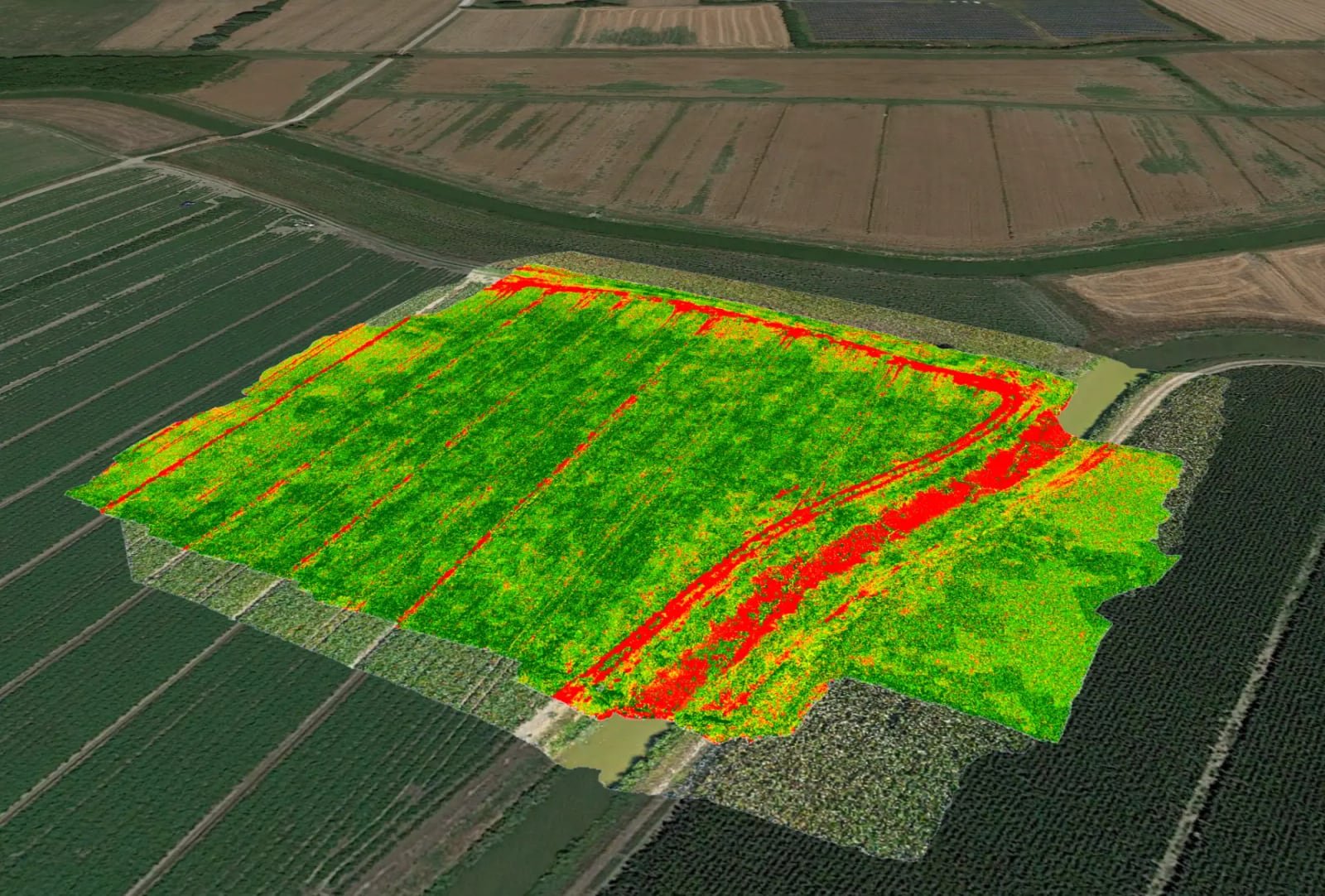
The drone sees the field to the centimetre when it flies; the satellite sees it at 10 metres, but continuously. For each field Agronix downloads only the portion of the image it needs, excludes clouds and shadows pixel by pixel and plots NDVI on the same chart as the drone surveys.
The whole farm
Spot the field that stands out from the rest
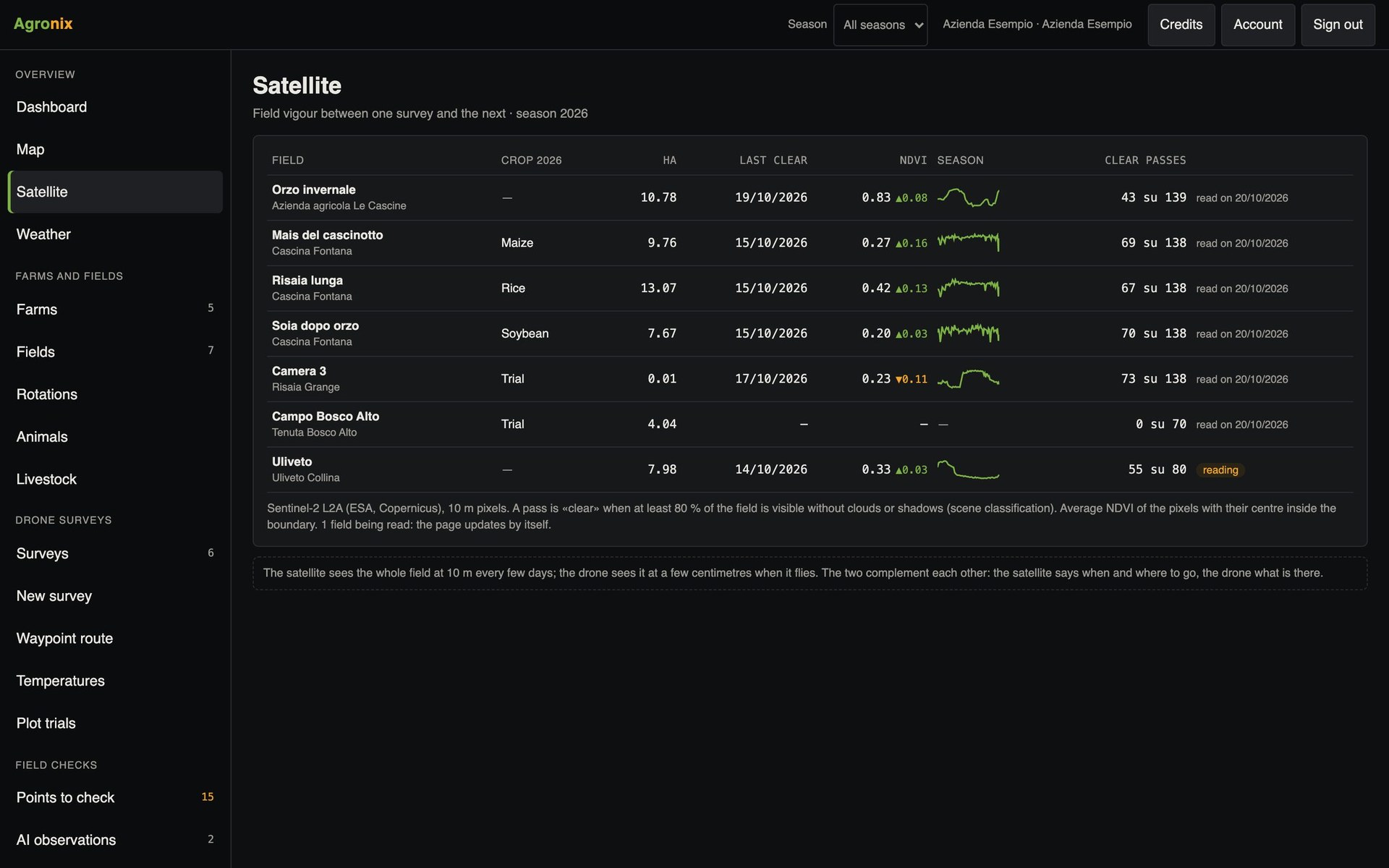
The Satellite page lines up every field with its last clear pass, the average value and the season curve. A crop that is lagging behind shows up straight away, and you decide where to make the field visit or the survey.
- Last clear pass for each field
- Season NDVI curve
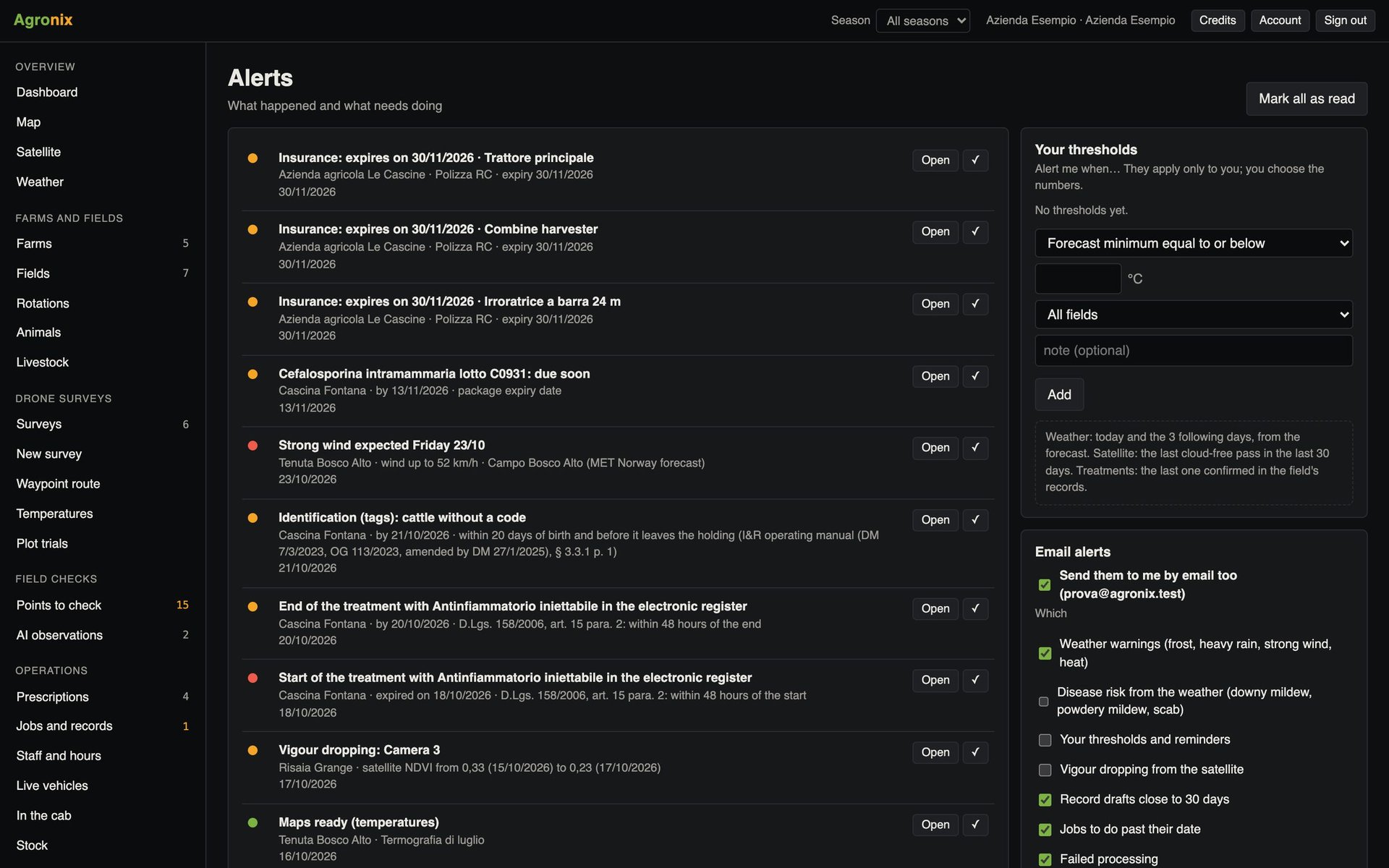
- Alert on falling vigour
Field page
Compare satellite and drone
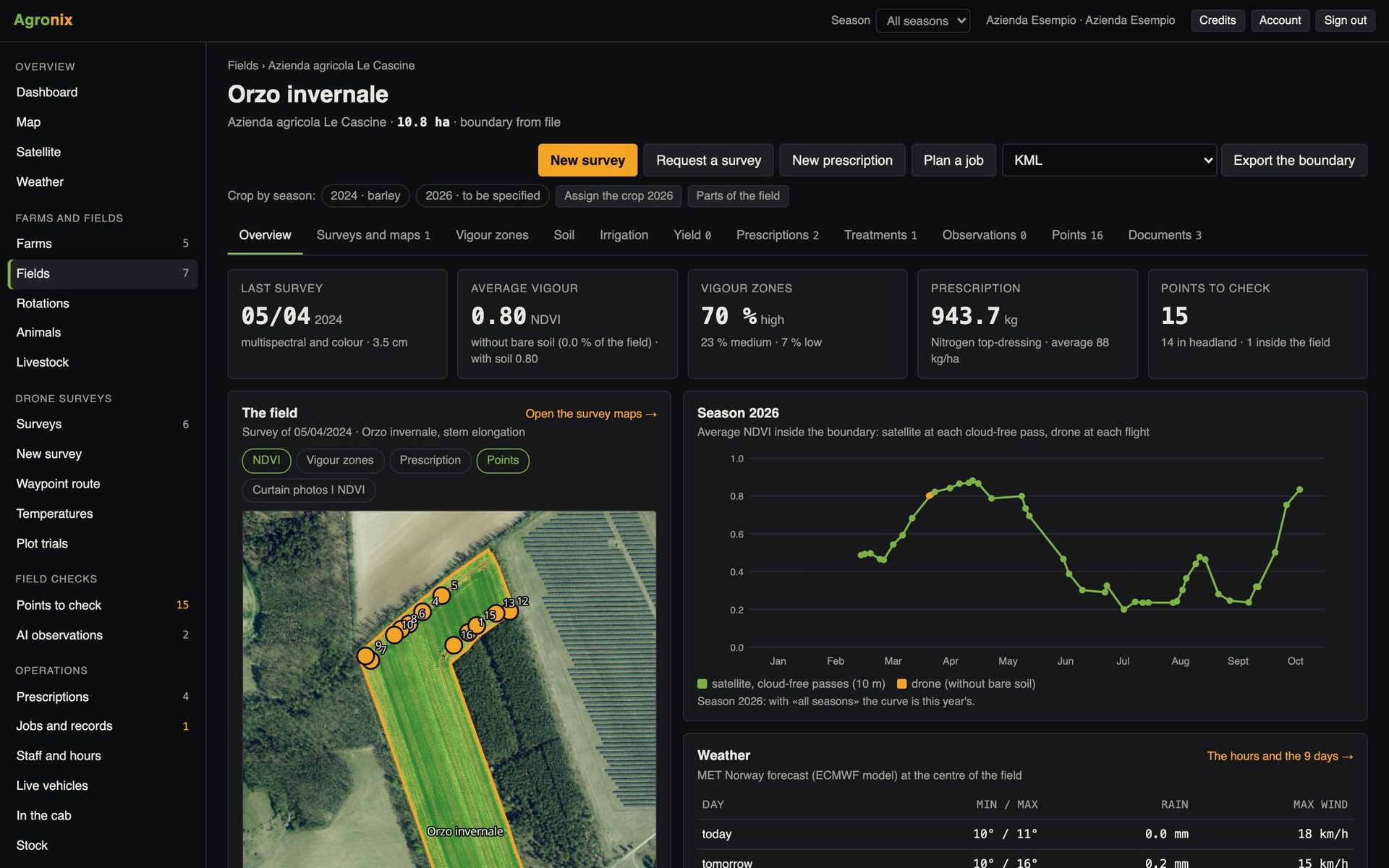
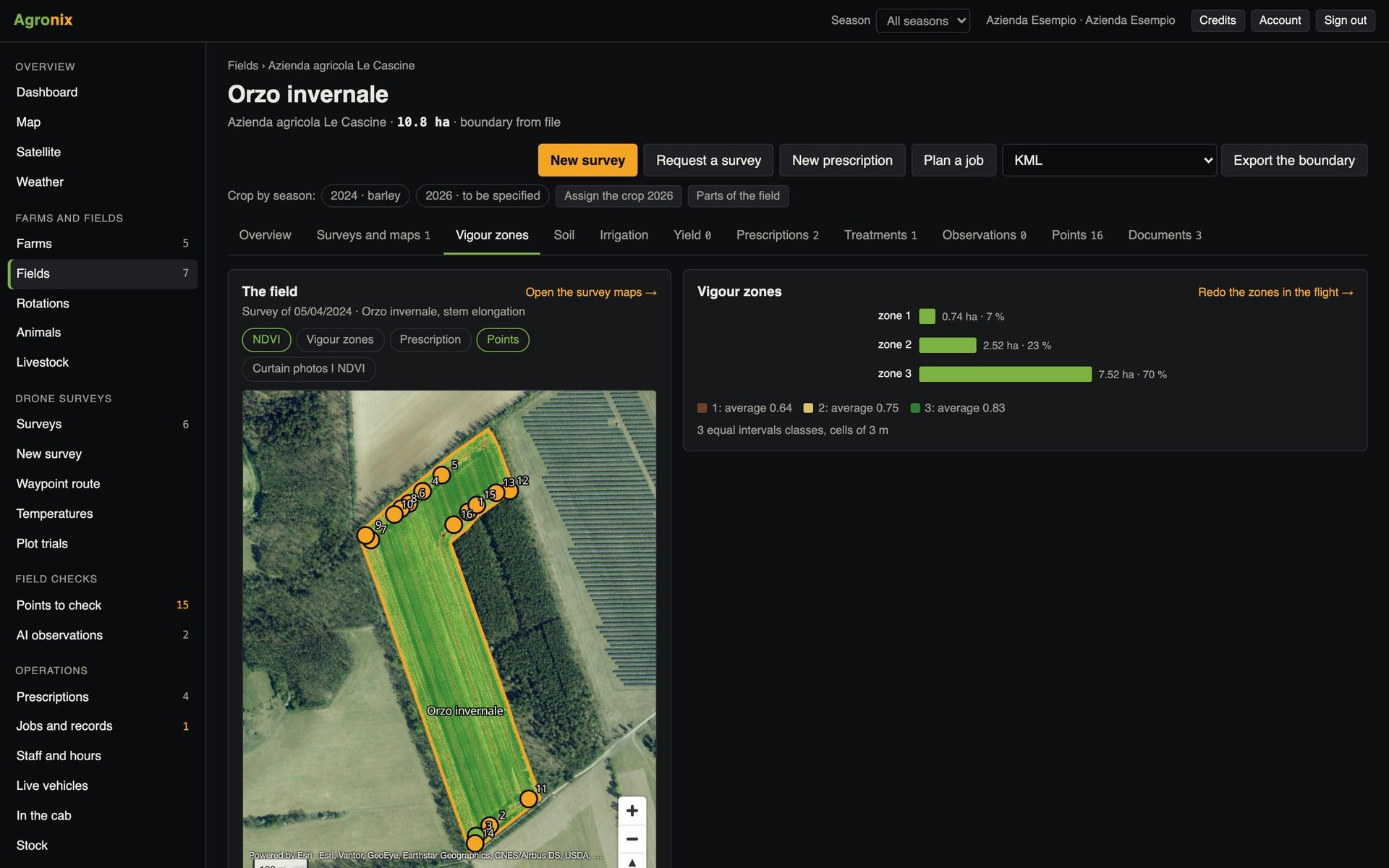
On the field page, satellite passes appear next to drone surveys; one click brings the image onto the map. The current season updates every six hours.
- Drone and satellite dates in sequence
- Image of the pass on the map
- Updated every 6 hours
How to use it
- 1
Set the boundary
It tells Agronix which part of the image to download.
- 2
Agronix finds the passes
All those of the season, then new ones every 6 hours.
- 3
Only clear ones remain
A pass counts if at least 80 % of the field is visible.
- 4
Read the curve
And get an alert if vigour drops quickly.
Specifications
- Images
- Sentinel-2 level 2A, surface reflectance, Copernicus programme.
- Resolution
- 10 metres per pixel.
- Clouds and shadows
- Excluded pixel by pixel with the scene classification.
- Archive
- Seasons from 2017, also used for stable zones and yield forecasts.
Related features
- Vegetation indicesOrthomosaic and nine vegetation indices, statistics by field, comparison between flights and PDF report.Learn more
- Management zonesZones from a survey, stable zones from several satellite seasons and combine yield maps.Learn more
- NotificationsMaps ready, new points, deadlines and personal thresholds, in the app and by email.Learn more