Attendance and hours, no sheets to copy out
Clocking in with a QR code, weekly calendar and working hours by person, operation and field, with their cost.
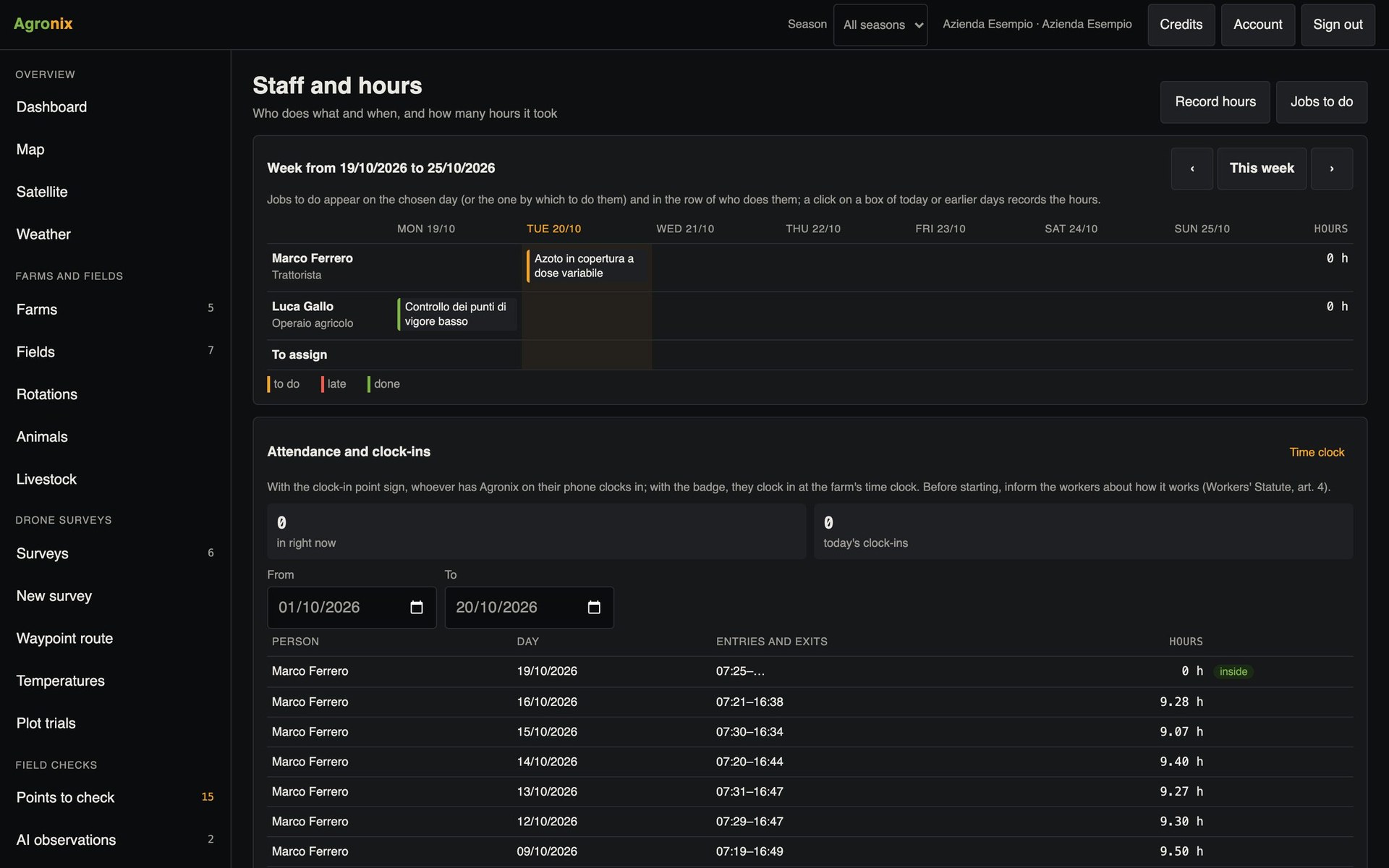
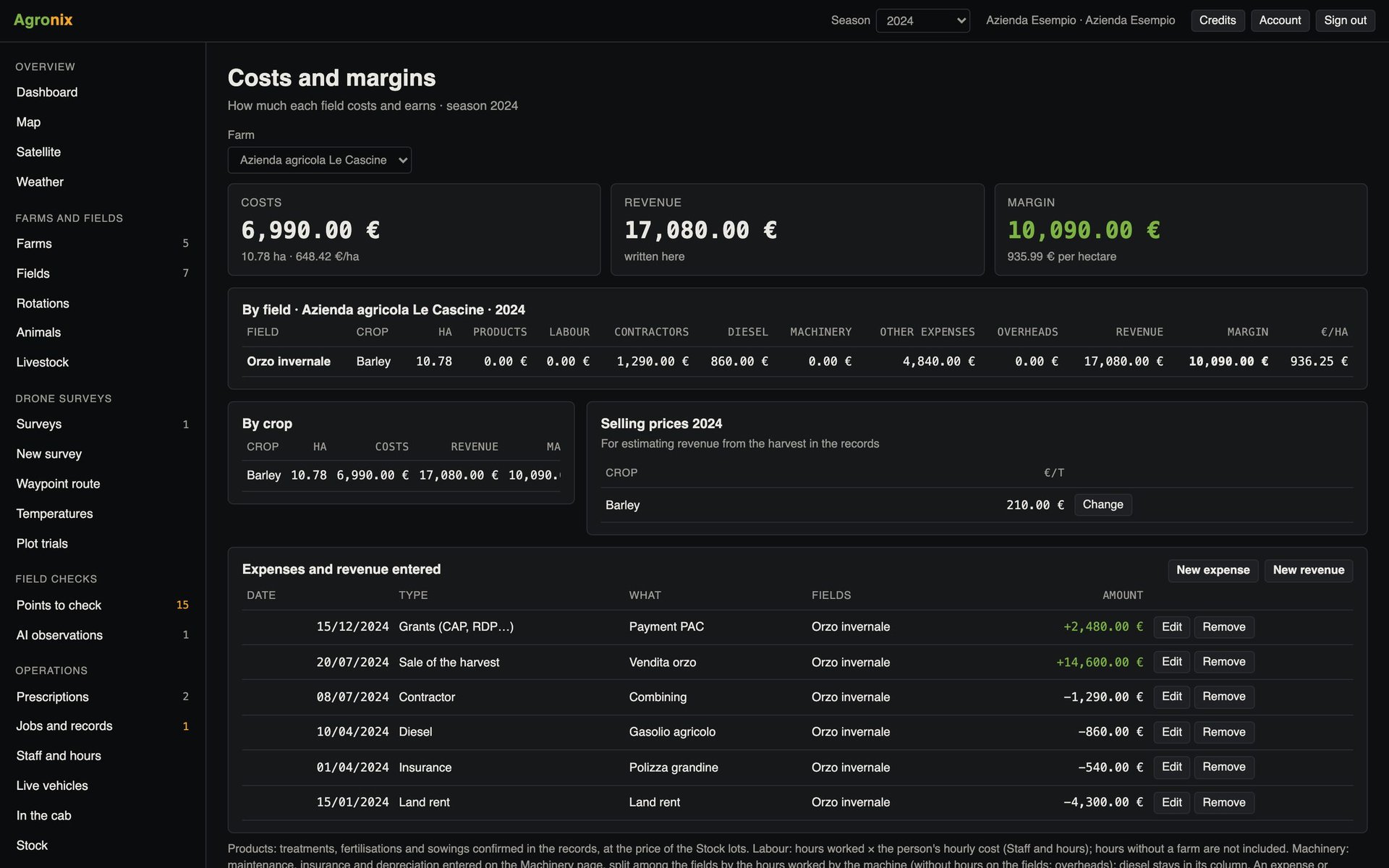
Working hours are one of the farm's main costs, but they often stay on sheets of paper and messages. Agronix records attendance and hours with a QR code and links them to operations and fields, so labour cost goes into the season's margins.
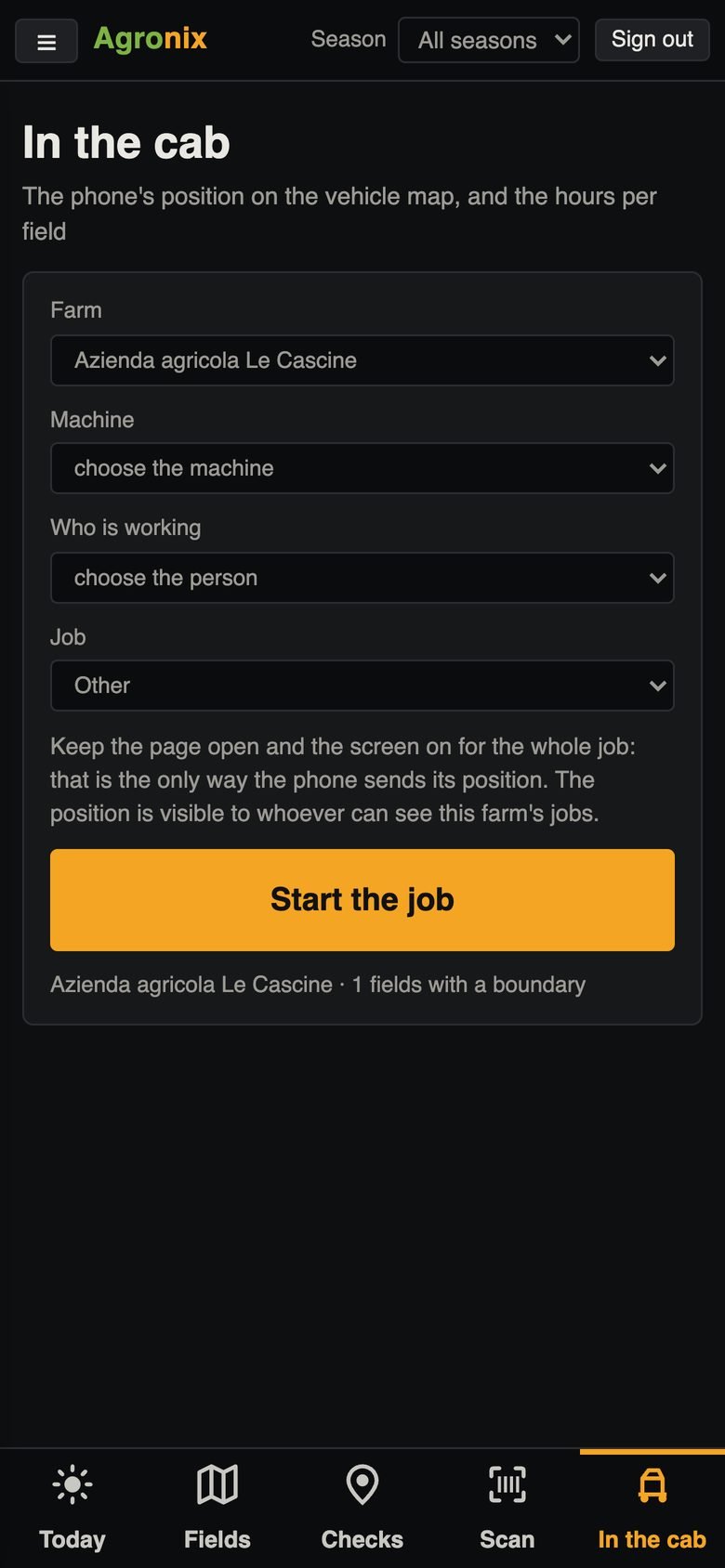
Attendance
Clock in with one tap
A sign with a QR code on the farm or a personal badge: from the phone, clocking in takes one tap, or the time clock reads the badges with the camera. Corrections are recorded with a reason and the monthly sheet can be printed.
- Signs and badges with QR codes
- Corrections with a reason
- Monthly attendance sheet
Hours and calendar
Who works, on what, for how many hours
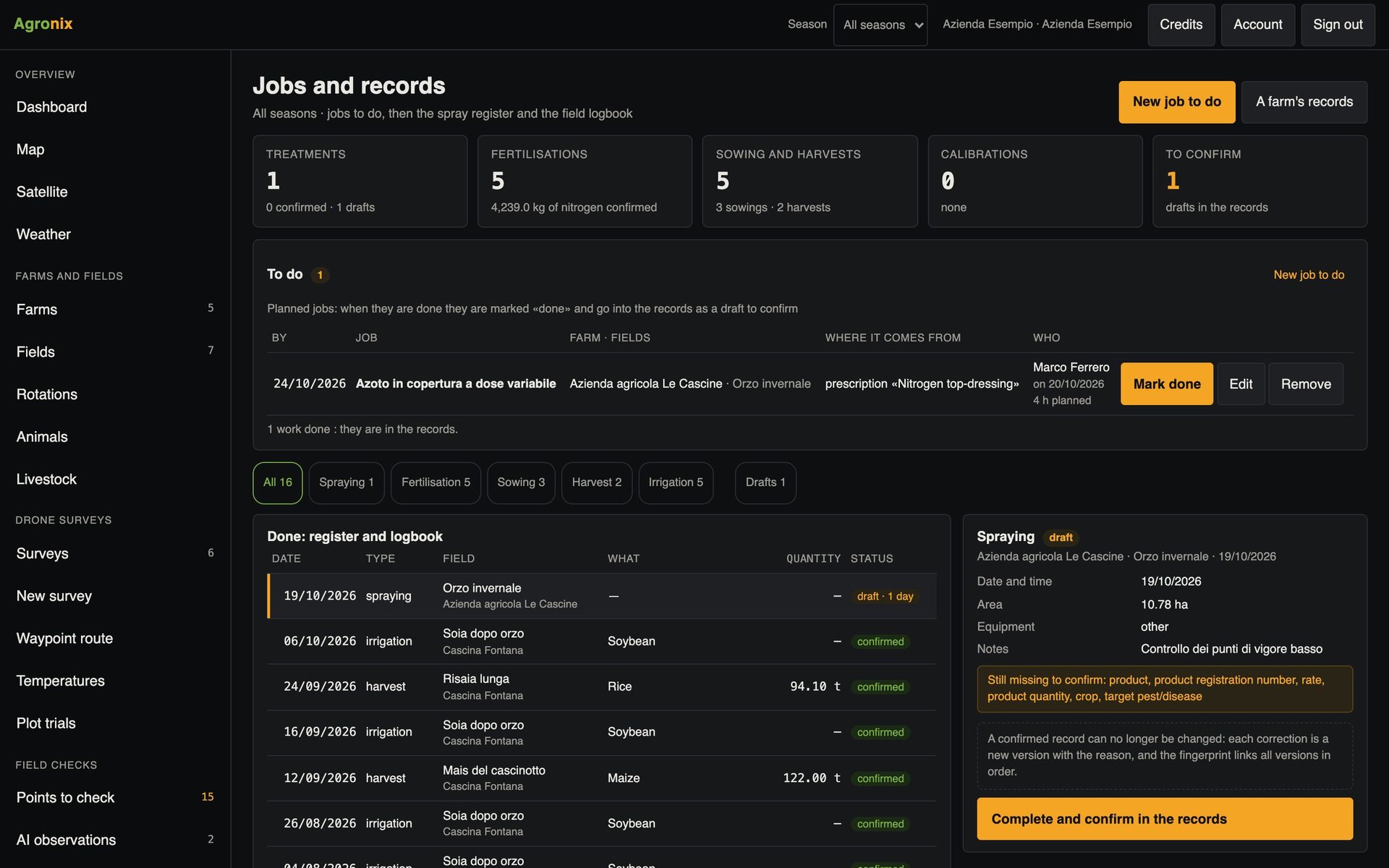
Staff, including those who do not use Agronix, with job role and hourly cost. The weekly calendar shows assigned jobs and recorded hours; the summary gives hours and cost by person, type of work and field.
- Weekly calendar
- Hours and cost by person and field
- CSV export
How to use it
- 1
Register the staff
Job role and hourly cost.
- 2
Print signs and badges
With the QR codes.
- 3
Clock in and work
Attendance and hours from the phone.
- 4
Read the summary
Hours and costs, also in the margins.
Specifications
- Attendance
- QR sign, badge or time clock with camera.
- Hours
- By person, day, farm, field, operation and machine.
- Export
- CSV of hours; monthly attendance sheet.
- Costs
- Hours times hourly cost, allocated to the fields.