Track vehicles in the field, with no devices to install
The phone in the cab locates the vehicle: track, field, speed and working hours, with a map of every vehicle updated every 10 seconds.
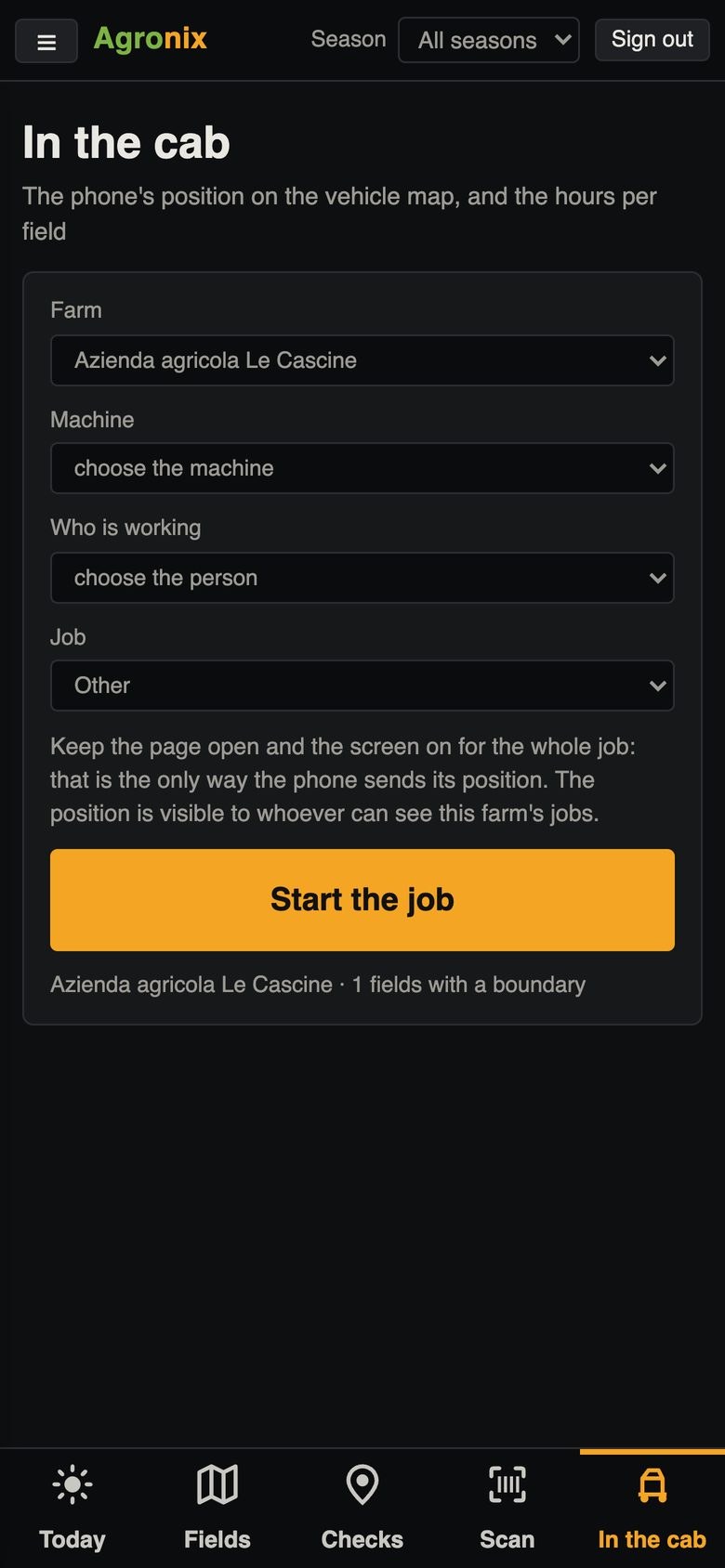
Knowing where vehicles are and how long they worked on each field does not require extra hardware. With the «In the cab» page the operator's phone sends its GPS position; at the end of the job, the time on each field becomes recorded hours.
In the cab
The phone as a tracker
You choose machine, operator and operation and start. The phone sends its position every 10 seconds and shows time, speed, field and track; without signal the points queue up and are sent as soon as the signal returns. At the end of the job, hours by field go to Staff and hours.
- Position every 10 seconds
- Queue without signal
- Hours by field at the end of the job
Live vehicles
Every vehicle of the day on one map
The map shows the day's vehicles with their tracks: active ones highlighted, finished ones in grey. The table gives field, speed and working time; past days can be viewed too.
- Updated every 10 seconds
- Tracks and time on the fields
- History of past days
How to use it
- 1
Open «In the cab»
On the vehicle's phone or tablet.
- 2
Choose vehicle and job
Machine, operator, operation.
- 3
Work
With the page open and the screen on.
- 4
Close the job
Hours go into the staff records.
Specifications
- Requirements
- Phone or tablet with GPS; page open and screen on during the work.
- Accuracy
- Points with more than 50 m of uncertainty discarded from the time calculation.
- Engine data
- Not collected: only position, speed and times.
- Retention
- Positions deleted after 12 months.
Related features
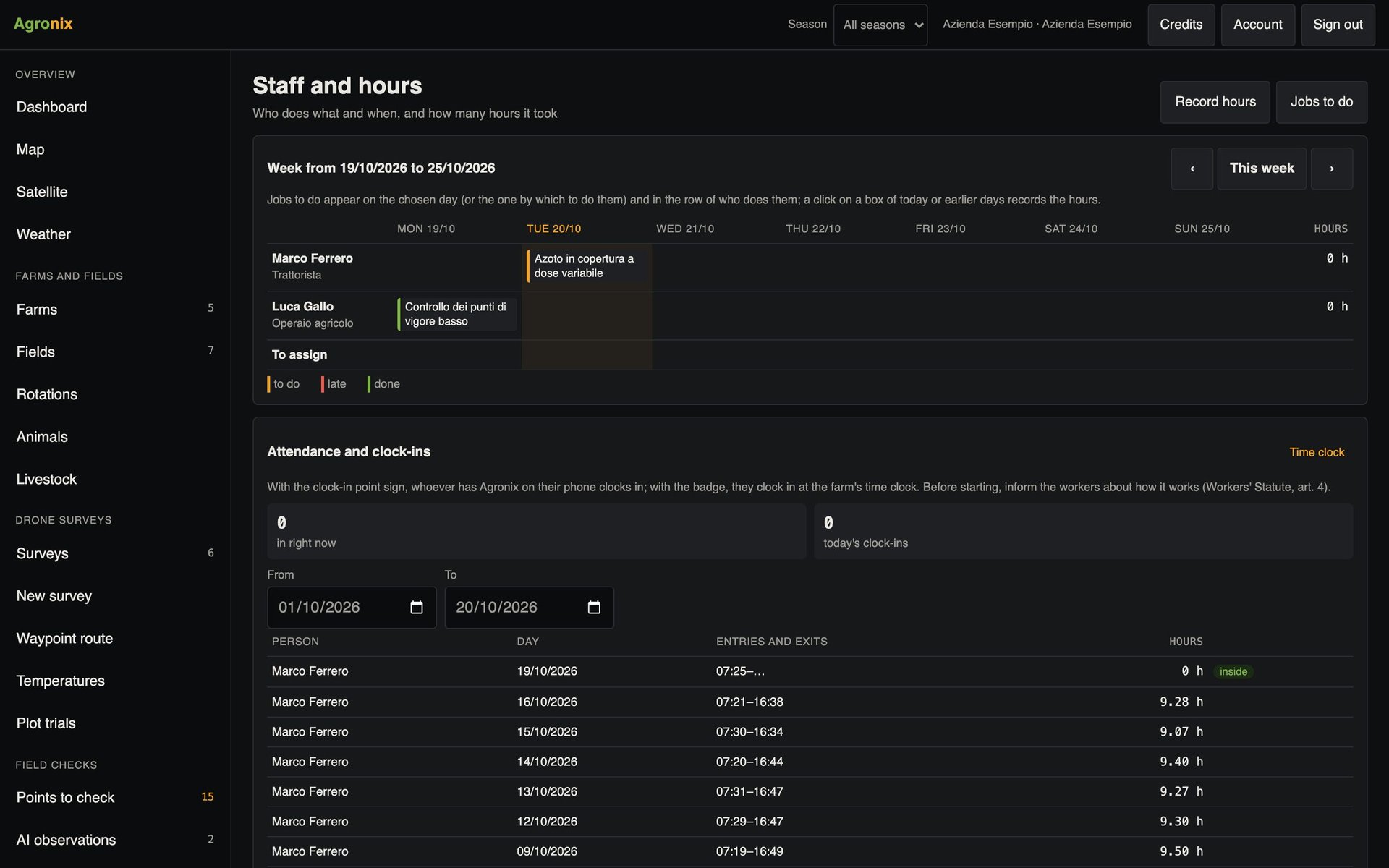
- Staff, attendance and hoursStaff with hourly cost, attendance with QR codes, weekly calendar and hours by field.Learn more
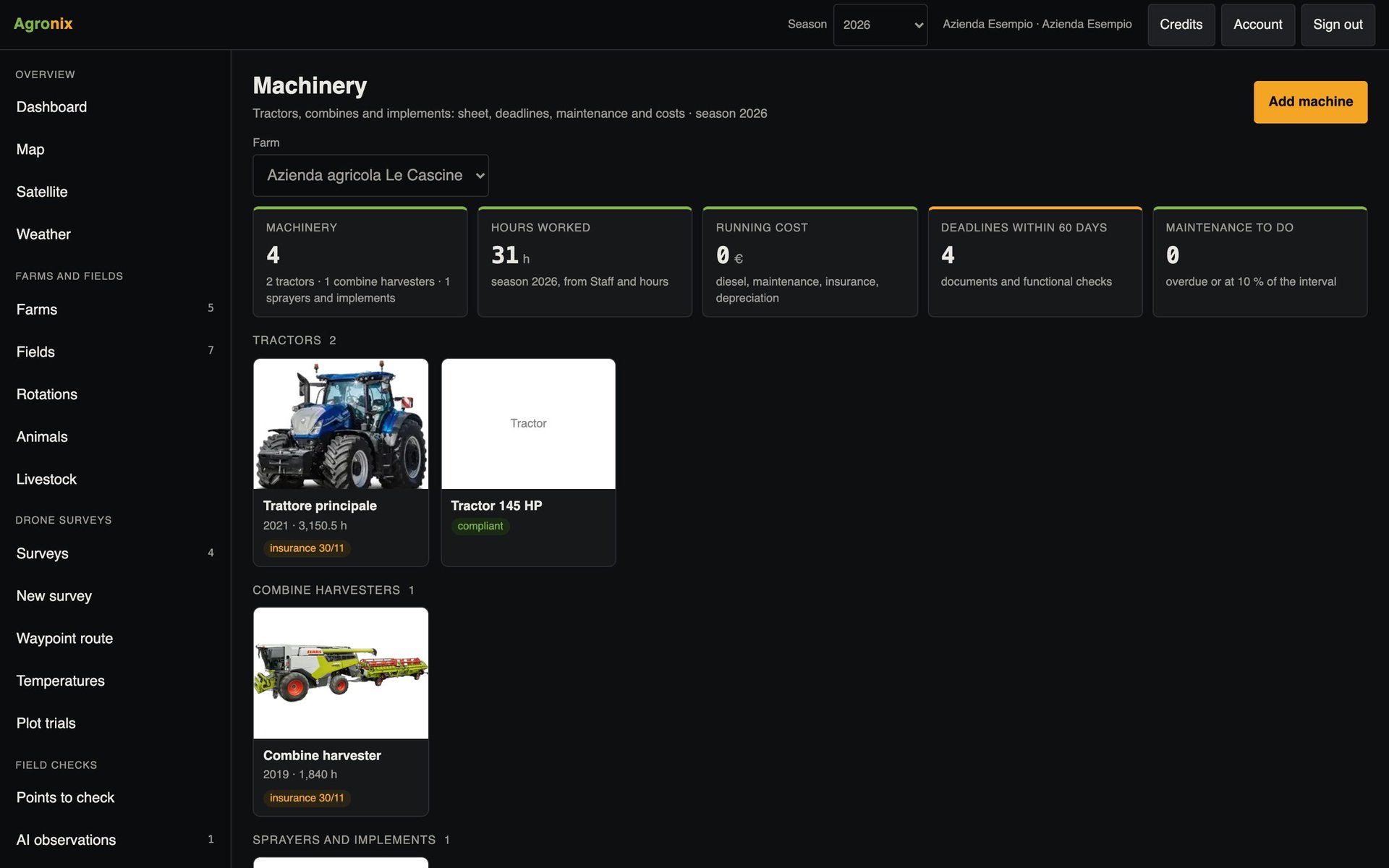
- Machinery and sprayer inspectionsModel catalogue, deadlines, hour-based maintenance, QR code on the machine and mandatory sprayer inspection.Learn more
- Dashboard and mappingThe growing season on one screen and every field on a map, with cadastre and protected areas.Learn more