From the computer to the terminal, with a USB stick
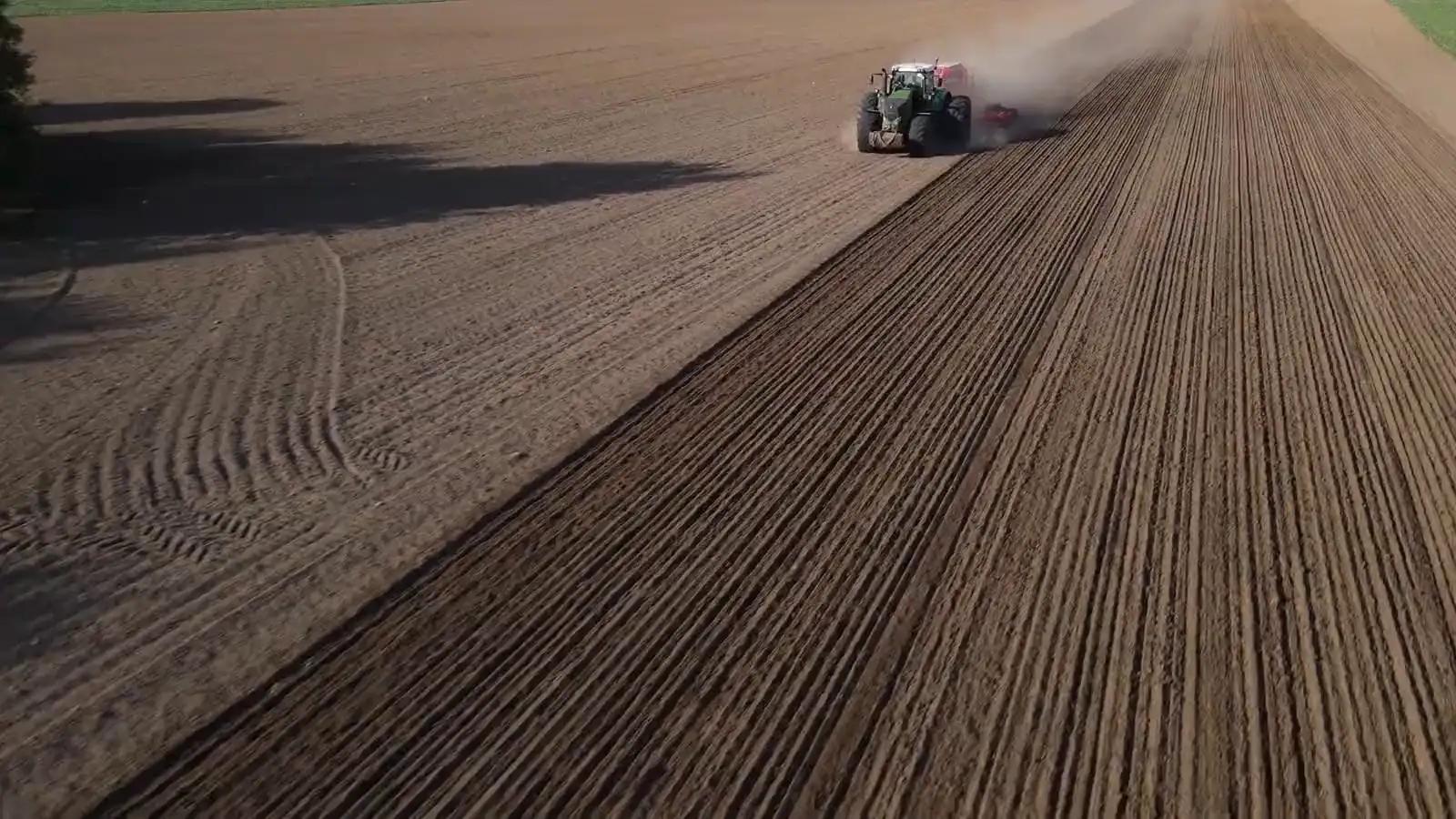
The prescription comes out in the format of the spraying drone, of ISOBUS terminals and of the main manufacturers' terminals, with the folders already organised.
A prescription is only useful if the machine can read it. Every terminal needs its own format and folder structure: Agronix prepares both, with a README file describing the steps on the monitor. The boundary and the AB line can travel with the prescription. Once the work is done, the terminal's file comes back into Agronix and becomes a record.
Export
Choose the machine, download the file
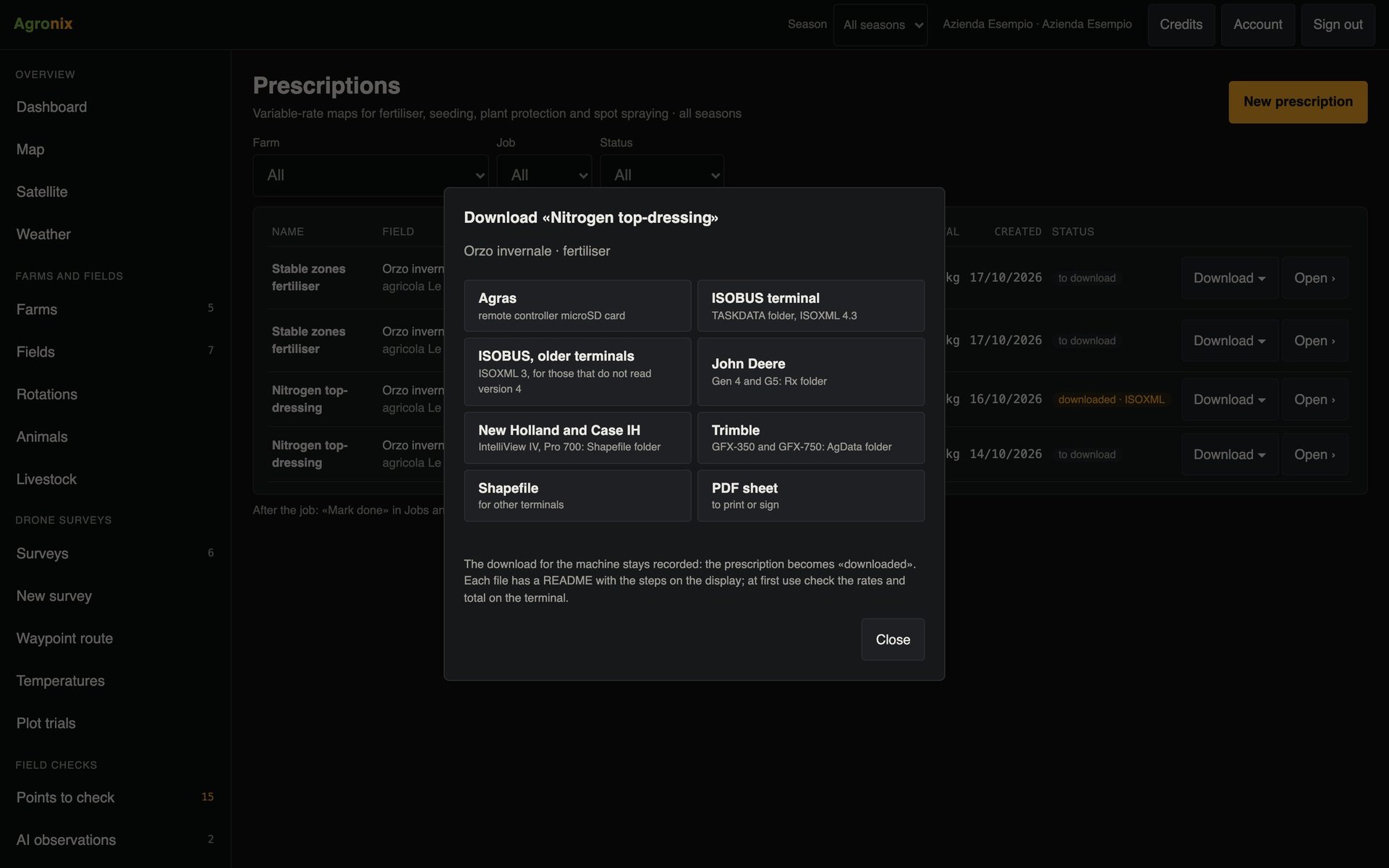
The «Download» panel offers the folder for the spraying drone's microSD card, the ISOBUS TASKDATA also in the version for older terminals, the folders for John Deere, Case IH and New Holland and Trimble terminals, the generic shapefile and the PDF sheet. The prescription is then marked as downloaded.
- MicroSD folder for DJI Agras
- ISOBUS TASKDATA, versions 3 and 4
- README with the steps on the monitor
Completed work
The terminal fills in the records
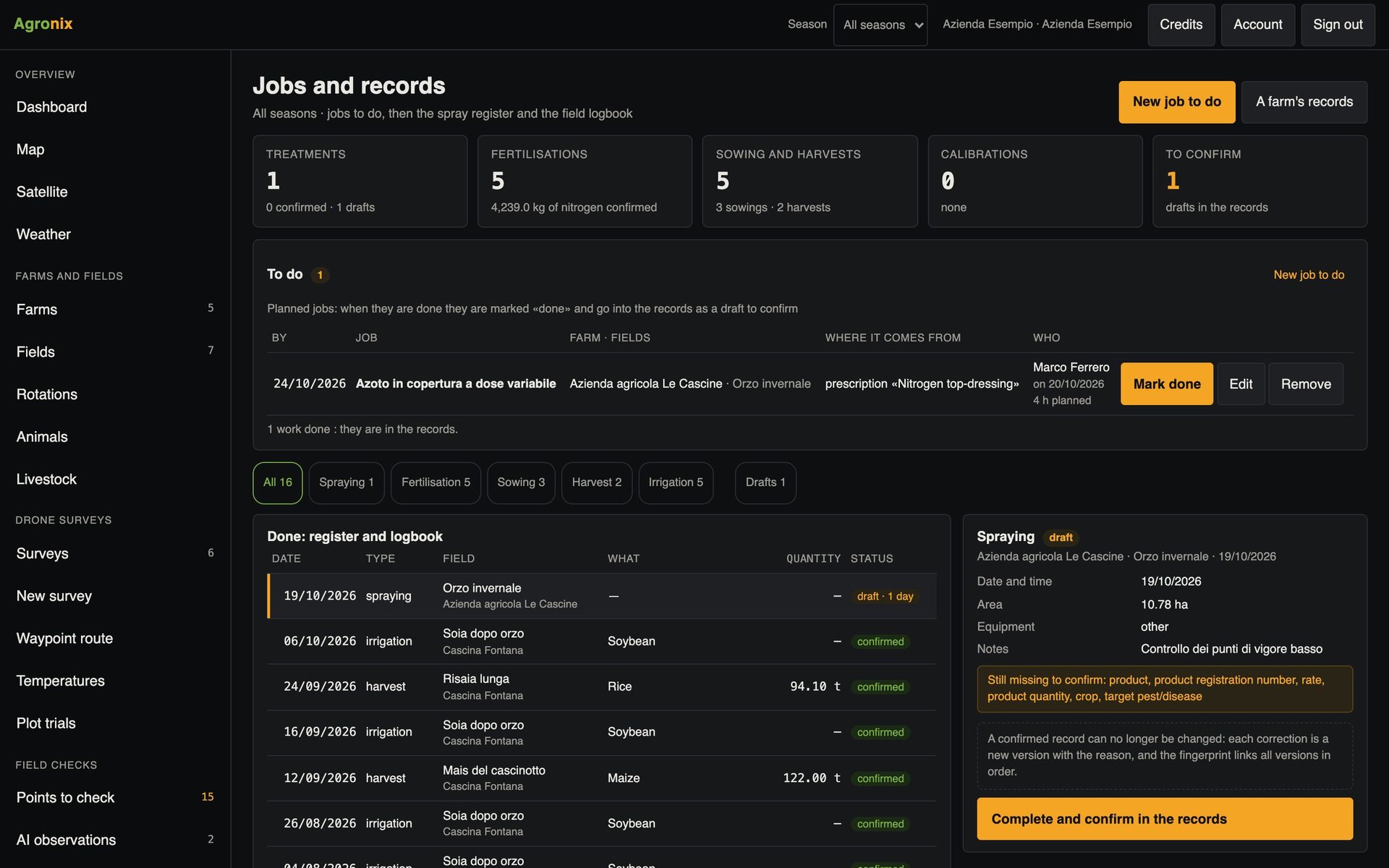
At the end of the job you upload the terminal's file, ISOBUS TASKDATA or as-applied shapefile. Agronix reads area, planned rate and applied rate, converts the units and prepares the draft treatment or sowing in the records, to check and confirm.
- Planned and applied rate
- Units converted to L/ha, kg/ha and seeds/ha
- Draft in the records to confirm
How to use it
- 1
Open the prescription
From the list or the last step.
- 2
Choose the machine
Spraying drone, ISOBUS or manufacturer's terminal.
- 3
Copy to the USB stick
The folders already have the right structure.
- 4
Upload the completed work
The terminal's file becomes a record.
Specifications
- Spraying drone
- Folder for the microSD card, also for orchard operations.
- ISOBUS
- TASKDATA ISOXML versions 4 and 3, with boundary and AB line.
- Check
- ISOBUS files re-read with an independent ISOXML reader.
- Return
- TASKDATA with TimeLog or as-applied shapefile.
The first time you use a terminal, it is worth checking rates and the total on the monitor before you start: every file contains its README with the steps.
Related features
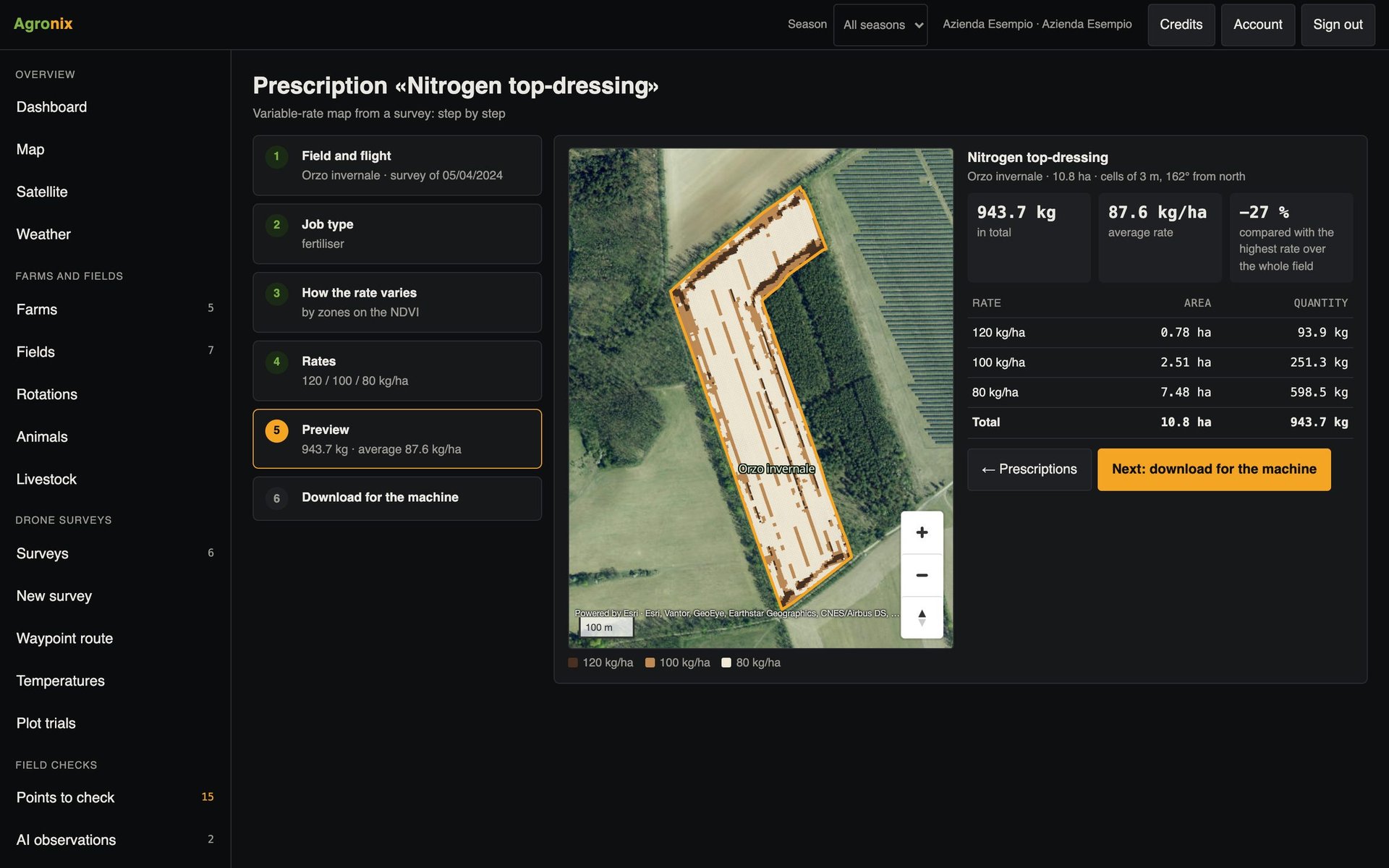
- Prescription mapsVariable-rate fertiliser, seeding, plant protection and spot weeding, in six guided steps.Learn more
- Machinery and sprayer inspectionsModel catalogue, deadlines, hour-based maintenance, QR code on the machine and mandatory sprayer inspection.Learn more
- Spray recordElectronic spray record and field logbook, from drafts to PDFs to sign.Learn more