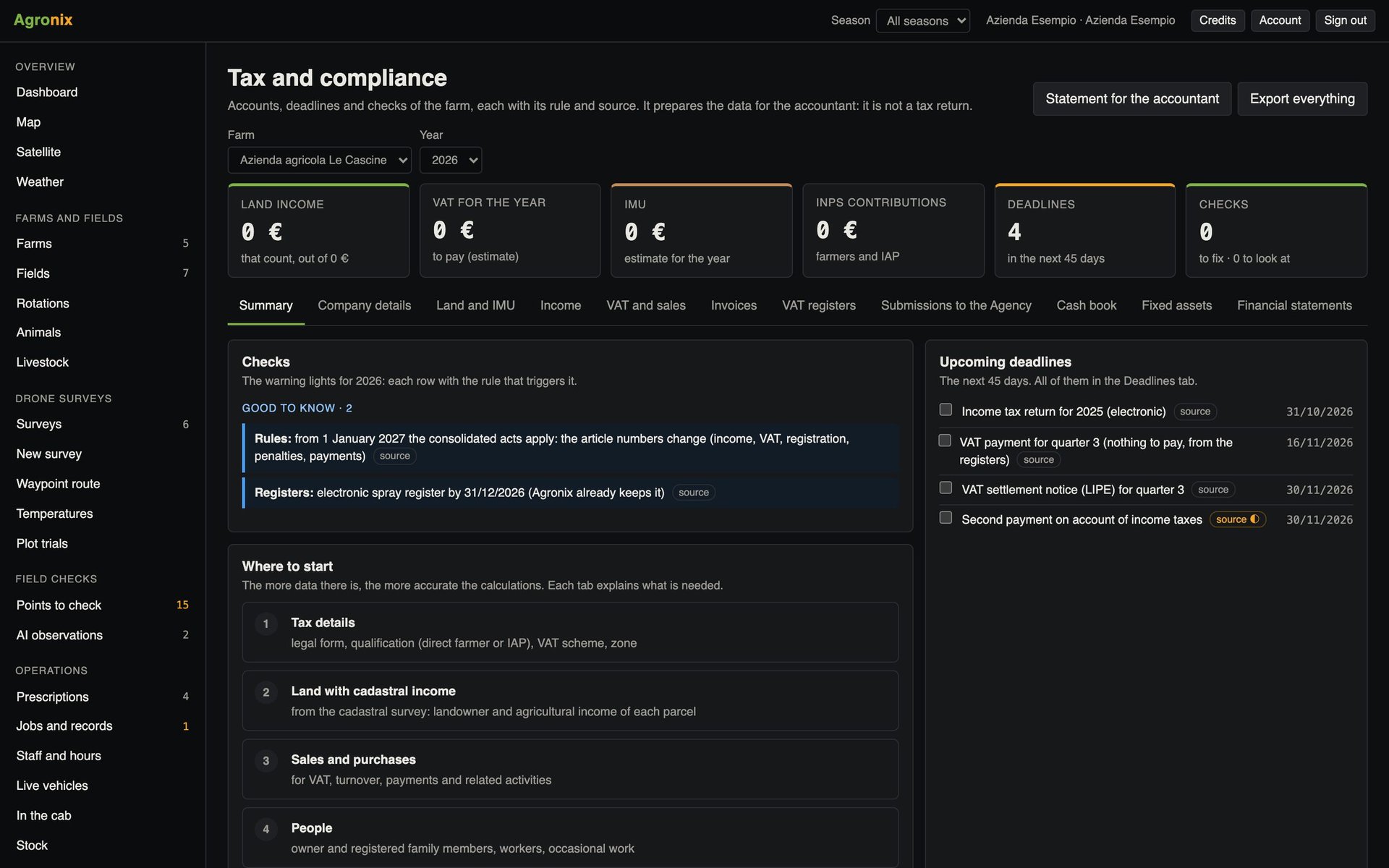
Everyone gets the access they need
Owner, operators, contractors and advisers with permissions area by area; for those who follow several farms, their own brand on every PDF.
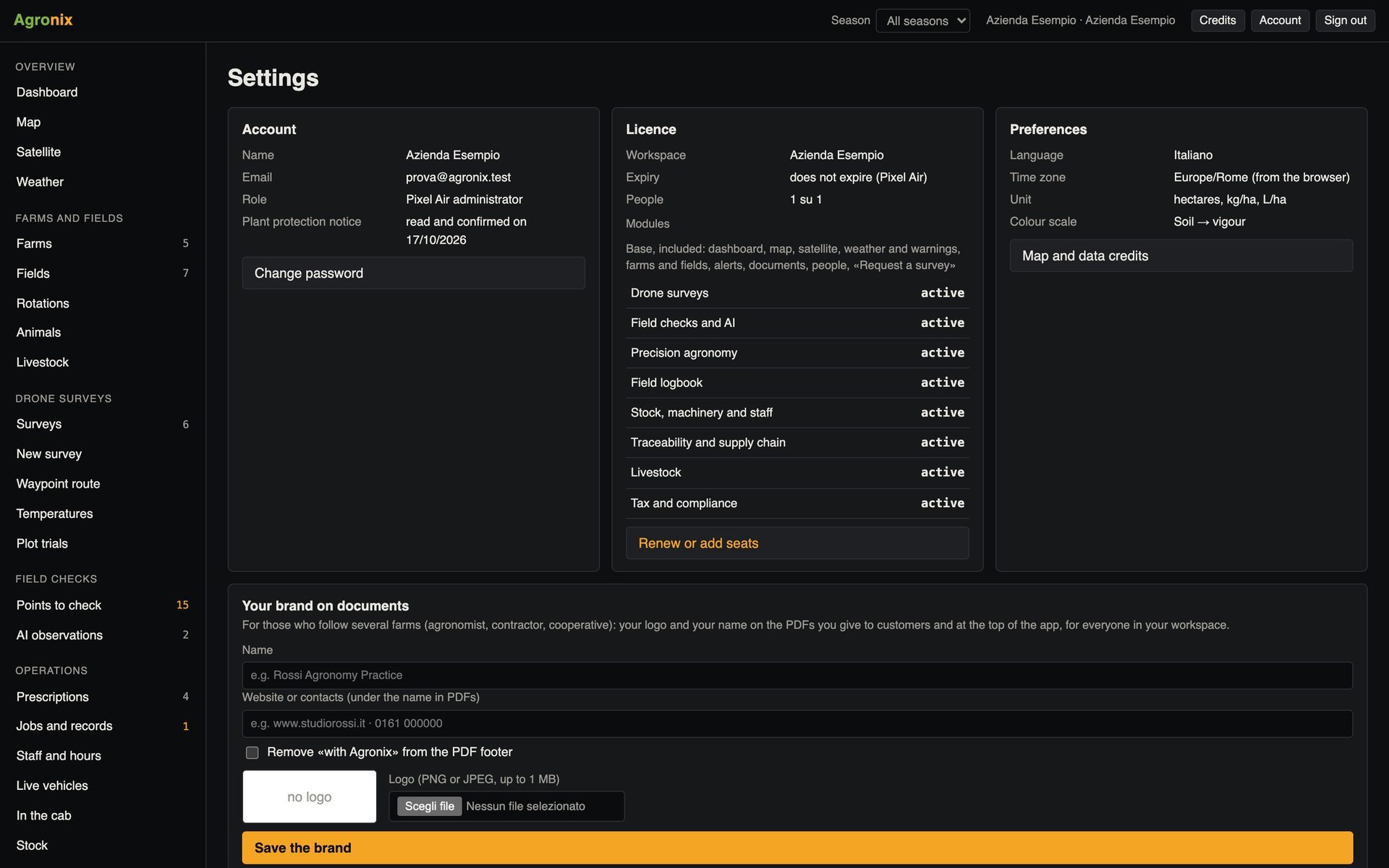
Different people work on a farm. Agronix gives each of them the access they need, area by area, with permissions checked by the server. Agronomists, contractors and cooperatives who follow several farms work in a single workspace and sign documents with their own brand.
Users and roles
Decide who sees and who edits
For each person and each area you choose between edit, read only or no access. Excluded areas do not even appear in the menu. The owner sees each person's last login.
- Edit, read or no access
- Permissions checked by the server
- Last login of every user
Branding
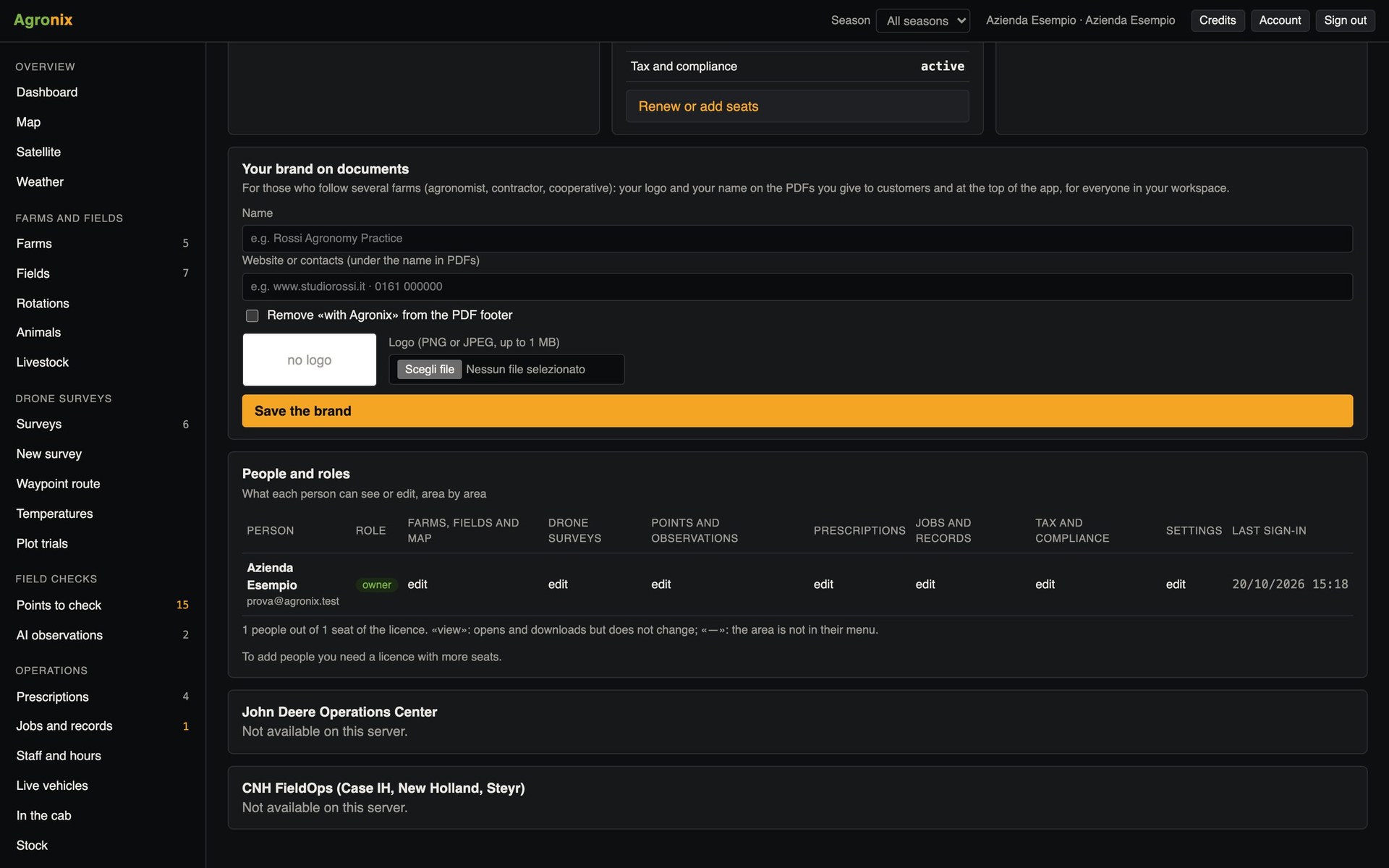
Deliver documents under your own brand
The logo, name and contact details of the practice or contractor appear at the top of every PDF and in the app's bar; the «with Agronix» line in the footer is optional.
- PNG or JPEG logo up to 1 MB
- On every PDF and in the bar
- Optional «with Agronix» line
How to use it
- 1
Invite people
Each with their own login.
- 2
Assign permissions
Area by area.
- 3
Upload your brand
Logo, name and contact details.
- 4
Deliver documents
With your brand at the top.
Specifications
- Areas
- Farms and fields, surveys, checks, prescriptions, jobs and records, tax, settings.
- Levels
- Edit, read only, no access.
- Seats
- The number of users depends on the licence.
- Terms
- The owner accepts them with a code sent by email.
Related features
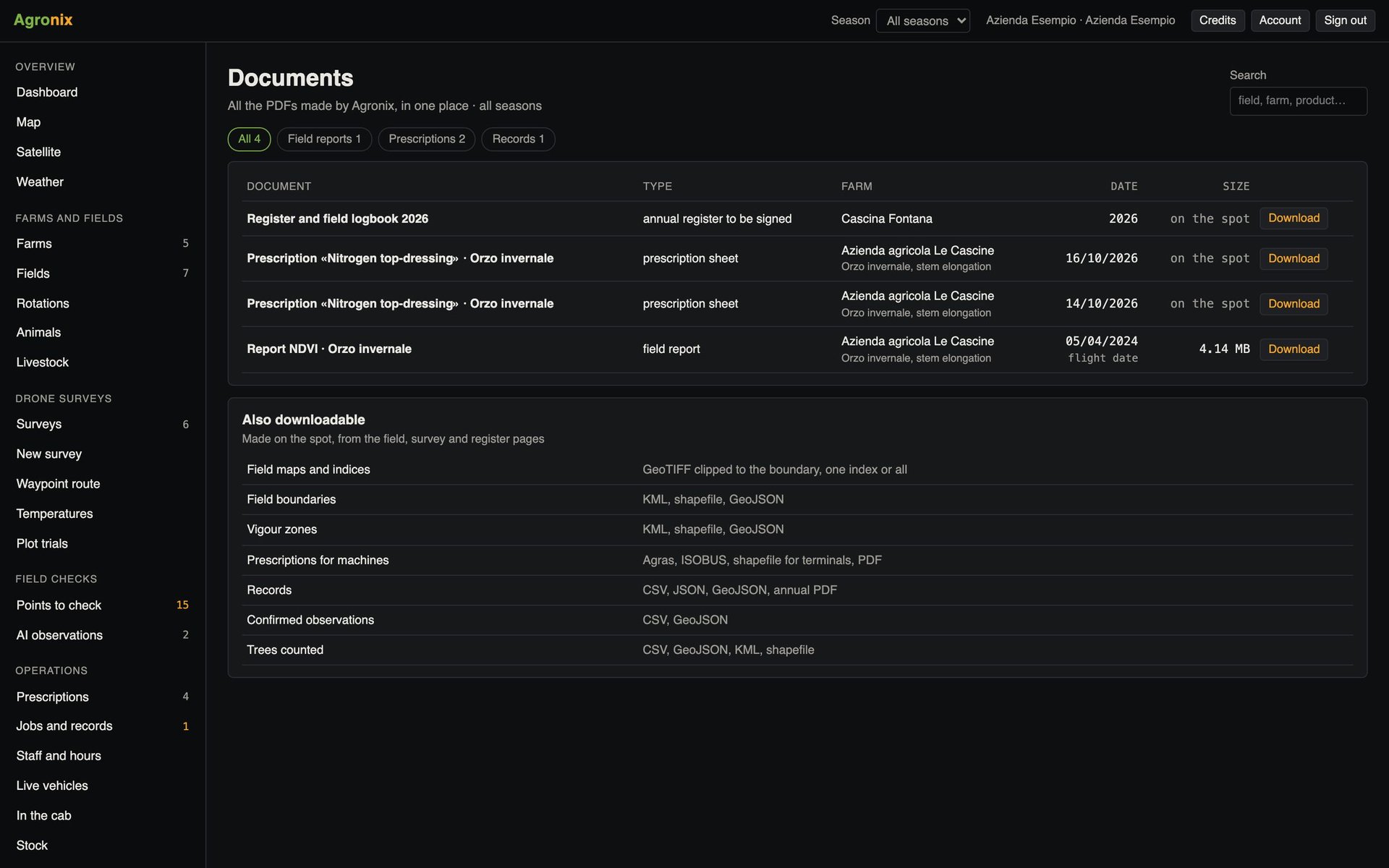
- Document archiveReports, prescriptions and records as PDFs and in open formats, gathered by farm.Learn more
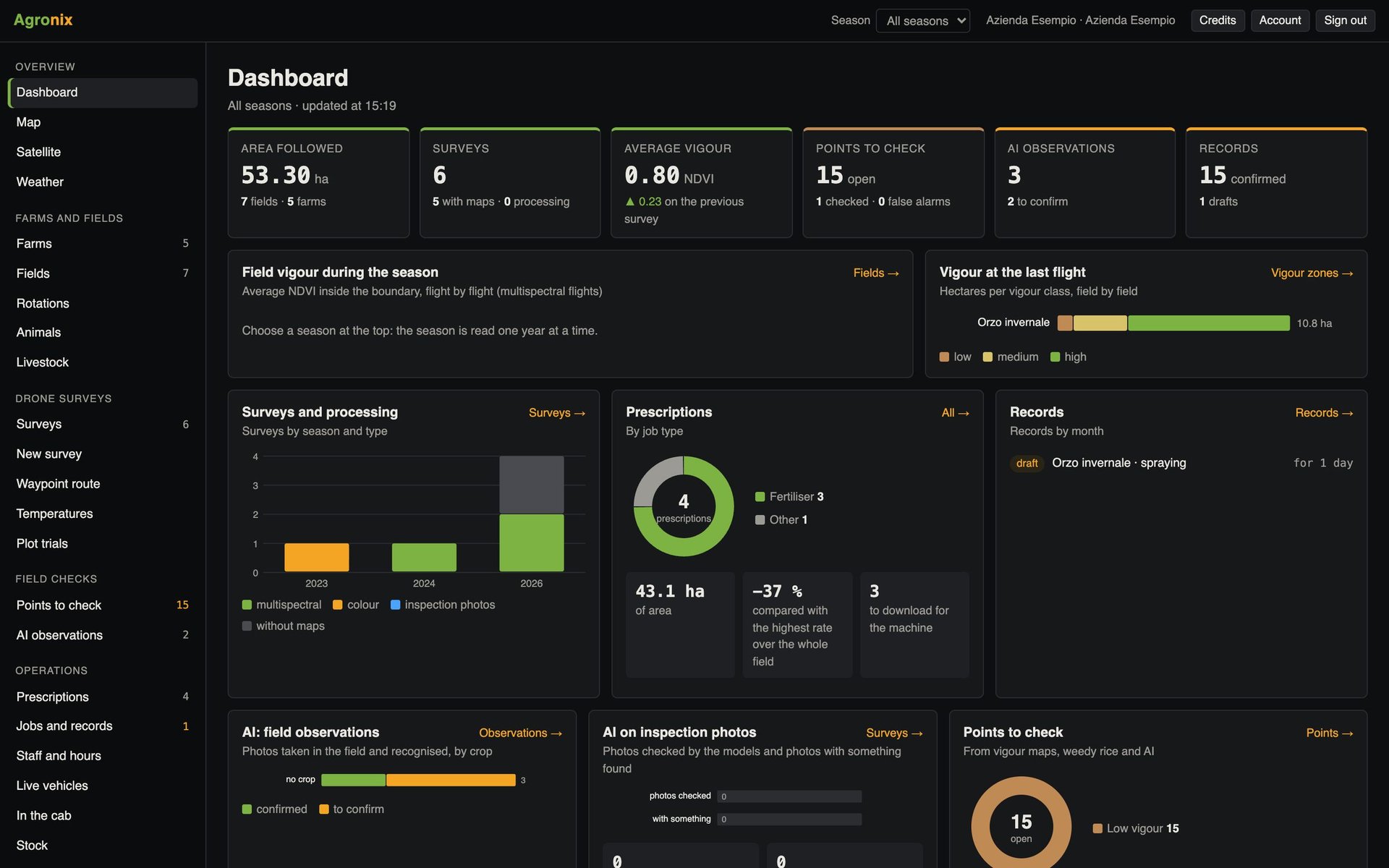
- Dashboard and mappingThe growing season on one screen and every field on a map, with cadastre and protected areas.Learn more
- Tax and complianceAccounting, tax filings and financial statements under Italian rules, updated year by year.Learn more